
E-commerce Digital Marketing Strategy -5 Key Aspects You Should Know

E-commerce Digital Marketing Strategy -5 Key Aspects You Should Know

Within the last few years (and particularly after the COVID-19 pandemic), e-commerce has become one of the most important, and fast-growing industries. Besides, with the use of Social media, such as Facebook, Twitter, and LinkedIn, businesses are getting exposure levels never seen before.

On the bright side, all of this means new and exciting opportunities, but on the downside, businesses now need to invest in development and brand awareness.

When executed properly an e-commerce strategy can help you get more followers, but most importantly, can help you convert more of those followers into buyers.

Your strategy must follow a clear path to be successful, that’s why we decided to bring this guide with everything you need to know about how to start a successful e-commerce business.

1. What Problem Does Your Product Solve?
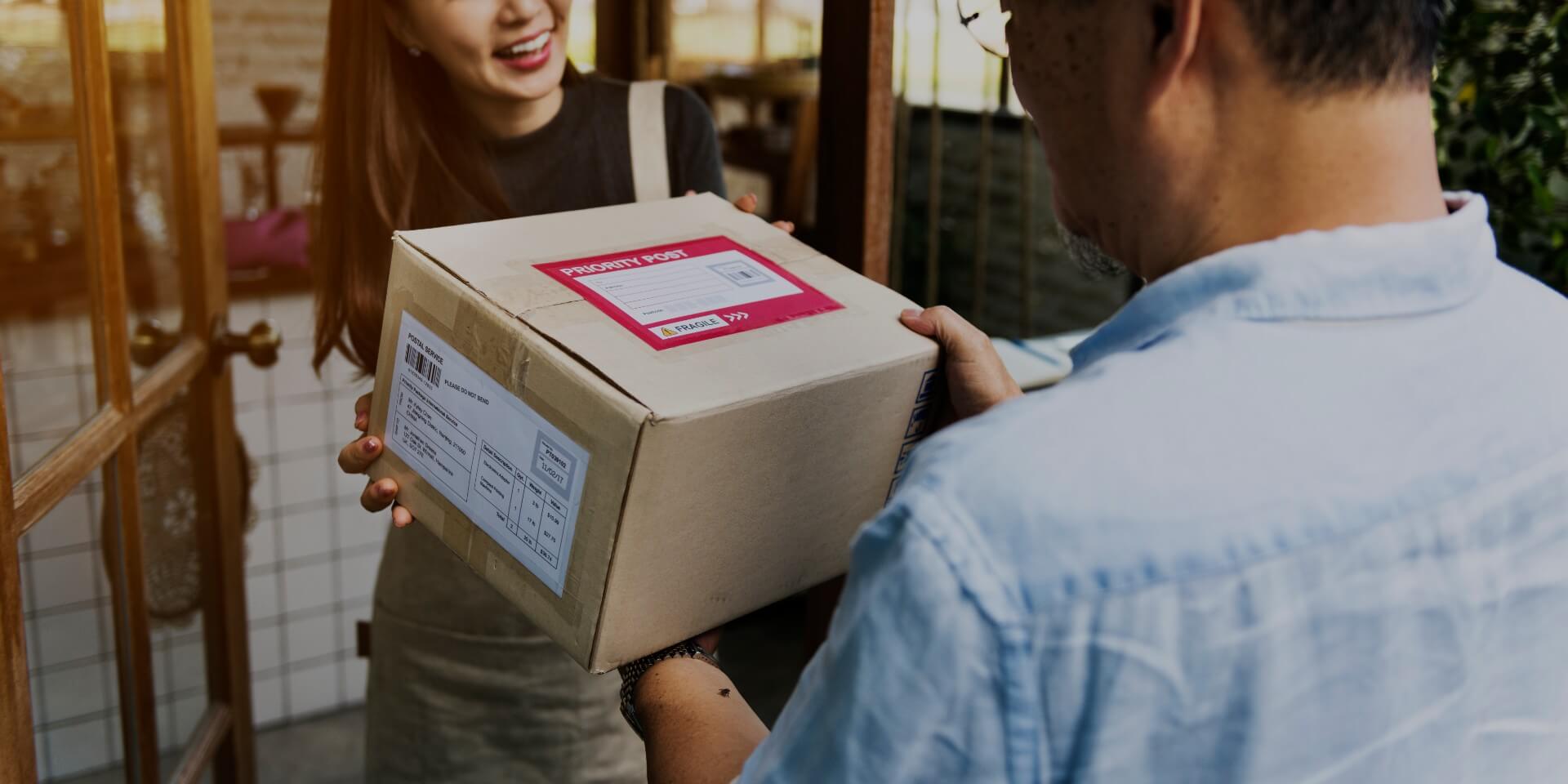
Woman receiving delivery order at her door

Either is a digital service or something that people will get in the mail, there are some important things to consider to develop successful products.

Better Ideas Lead To Better Products And Services

The reality is that even if you had a great idea for a website, and the best marketing strategy, that won’t matter if people don’t like your product.

When you start to develop new products, don’t be afraid of trial and error! What made most of the big brands we know is the willingness to try new solutions and alternatives. You would be surprised at how many daily use products, were born out of seeming crazy ideas

The Focus Is Not Your Product, But Your Customers

Young dark-skinned female student using a cell phone

We all are customers, and therefore we all know this truth: Nobody wants to hear stories about the magic recipe of your product. What people want to hear is how that product can relate to their lives and make them better.

In the post-truth, internet age, telling something around “The product you’ve been waiting for all your life” just doesn’t work anymore. Customers want products that make their life easier, or that make their business grow.

2. Why And How To Develop Your Brand For E-commerce

A corporate young identity template set

Your products are important, but if you aim to play big, you need to have an appealing brand and develop it correctly

Start With A Strong Why

In this old Youtube Video, Simon Sinek explains to us why it is important to ask yourself: Why do you sell what you sell?

And of course! We all build a business because of the profit! But what turns a startup into a multi-million dollar company is a stronger commitment.

The thing is, a strategy based on products, will only sell products. But if your brand has a strong reason why, and it resonates with your audience, then you can build a community… And when you have an engaged community, you can sell anything you want.

That’s the reason why big companies like Apple can sell anything from services, computers, phones, headphones, merchandising, movies, music, and a long list of etcéteras.

Your Brand Identity Is More Important Than It Seems

Developing a brand that stands out from the crowd is necessary to get into today’s competitive business field. And we’re not talking only about your brand looks. But to get more and more loyal customers.

As a customer, we all like to find those rare, unique brands who make that special something we love. Help your customers identify yours, by adding a unique logo, and a recognizable package if that’s the case.

Happy Customers Leave Reviews And Reviews Bring More Customers In

Man giving positive feedback

Your website should give a clear indication of your products and their benefits. And whenever possible, show the good things previous clients have to say about you!

Remember people tend to believe more in what other people say than what your product description states.

This also provides your audience with an opportunity to judge and make decisions based on facts.

Besides, If they buy the product and it delivers what was promised, then there is a much greater chance they will also buy another related product, or even recommend your brand among friends.

Never Underestimate A Good Web Design

Since the purpose is to engage your audience, contextual product descriptions and navigation should be very well drawn. Your e-commerce digital marketing strategy will suffer if the website doesn’t display clear product graphics and descriptions.

Small images, lousy text, and slow charging graphics can turn off any potential customer. We see this mistake made on hundreds of websites, and we can tell you based on facts: Bad design kills products and entire brands.

3. How To Find The Right Niche For Your Products

Young girl with a blue marker has allocated a team of icon people

Once you have a clear idea about the products and brand awareness, you need to start focusing on the next most important thing: Your audience.

Gauge Customer Interest

This may sound daunting, but once you wrap your head around it, you’ll see it’s pretty simple.

You can start by using a good search tool, like Google Keyword Planner, and find out what people are looking for.

Step In Your Audience Shoes

Woman shopping choosing dresses looking in mirror uncertain

Let’s say you want to sell sustainable fashion. Keep in mind your audience won’t type “sustainable fashion” on Google when looking for a party dress, so you have to go way ahead of the curve and develop SEO strategies for keywords as “Unique dresses”, “what to give to a vegan friend” or “how to dress to impress”.

This is a very important step for many more reasons, for instance: You can find out nobody is looking for your product idea number one. And if that’s the case, you may want to invest your efforts in idea number two.

Success in the e-commerce industry is about hitting the right target, and the only way to make sure you do so is by shooting a lot of ammo.

Why You Need A Good Seo Strategy?

Cropped shot of professional SEO manager with tablet at workplace making notes in a notepad

Now that you know what your audience wants and how your competitors are delivering, it’s time to use that knowledge to your advantage and spread your most important keywords around your related products.

You mustn’t just use the keywords. You need to let people (and google) know, your landing page can deliver.

If you use a keyword related to footballs, for instance, but when people get there, the website turns out to sell women’s shoes, they will leave immediately and you’ll get a bounce. Get enough of those and google will and blacklist you. That is something we all want to avoid.

4. How To Choose The Right Platform

One of the early challenges you’ll find is to decide the appropriate platform for you. If you are new to online business (as many of us are) it may seem confusing at first. That’s why we present to you our best tips to pick the right one and the differences between the most popular ones.

Our best advice is to work with a professional that can guide you throughout the whole process, but if you want to try and do it by yourself, here are some of the most important things you need to consider.

Can I Set It Up By Myself?

Coding software developer working with dashboard, computer, and icons

Make sure you don’t need any particular set of skills to set up, upload, and design products and sections. Many e-commerce platforms offer you an array of templates you can use and modify.

Can My Customers Navigate Around Freely?

When your customers come to your page, they want to find what they want right away. Look for a user-friendly platform that lets them organize their purchases, wish lists, and payment methods.

Is The Platform Secure?

This is very important for your safety, but also to get new business! The reason is quite straight: would you type in your card number on a website that says “Not Secure” in the address bar? Neither your customers.

Does It Offer Integration With Other Platforms And Sites?

Color blocks with social media icons

If you want to see your business grow, then you need to reach beyond the limits of your virtual store and get into video, social media, or blogging. Look for platforms that can integrate your profile with social media sites or ith your actual CRM platform.

Will My Seo Strategy Work On That Platform?

This is the best way to rank high among your niche. SEO strategies are a vital part of the online business scene and if your platform does not support it, finding customers it’s going to be a real challenge.

Is It Mobile-friendly?

53% of online purchases are made on a mobile device. So pay special attention to responsiveness. Take a quick look at the platform mobile site. This is usually a good indicator.

Can I Use Analytics?

Information is power, you want to have access to every information aspect from your e-commerce to improve and make changes. Look for a platform that provides you with all the information you need.

Can I Talk To Someone At Tech Support?

Technical support call center operator and team

Even if you are well versed in online business, sometimes you are going to need to contact tech support. Check out how difficult is to get to a human being on the other side

Which One Is The Best Option For Me?

Here’s a brief analysis of the main e-commerce platforms out there.

Shopify
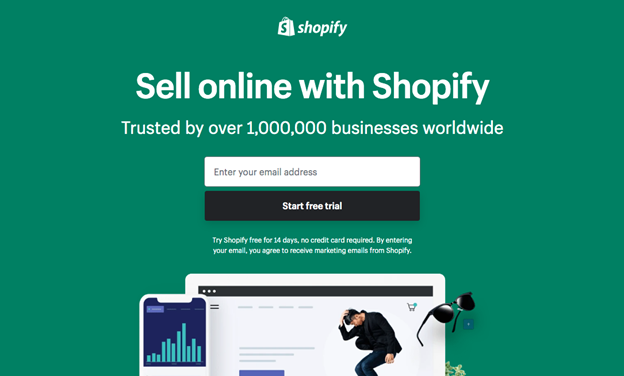
Shopify website screenshot

Chances are you have heard of Shopify before and even purchased something at a Shopify store. This platform offers their software as a service. This means you don0t own any domain or server, but you just “rent” the online space. This works great for startups, but if your business grows, maybe you will need to evaluate again in the future.

  • Setup Process: Easy to moderate
  • Navigation: Unlimited bandwidth
  • Security: PCI (Payment Card Industry)-compliant
  • Integrations: Almost with any app. It just doesn’t work great with MailChimp
  • SEO friendly: Yes
  • Responsive ready: Yes
  • Analytics: Reports, key metrics, finance reports
  • Tech Support: 24/7
  • Payment methods: PayPal, Amazon Pay, Apple Pay, even cryptocurrency

Magento
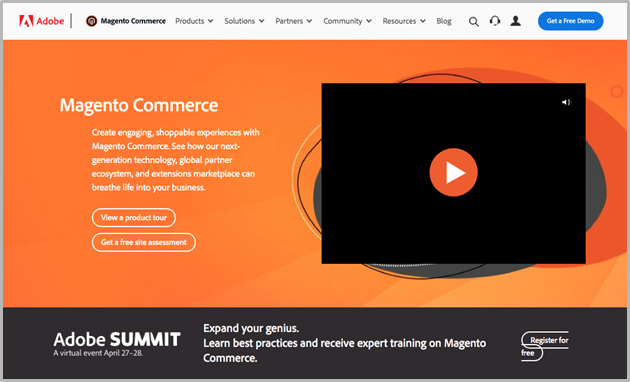
Magento website screenshot

They have two main offers: Magento Open Source and Magento Commerce. The first one is a free version you can download, customize and host by yourself. It is advertised as an all-in-one solution for online stores. You can check both of them here

  • Setup Process: Requires Technical knowledge
  • Navigation: Optimal front-end performance
  • Security: It has its own DEsignated Security Center
  • Integrations: Almost with any app
  • SEO friendly: Yes
  • Responsive ready: Yes
  • Analytics: Live stats, sales, orders, and product data.
  • Tech Support: 24/7
  • Payment methods: All payment methods

BigCommerce
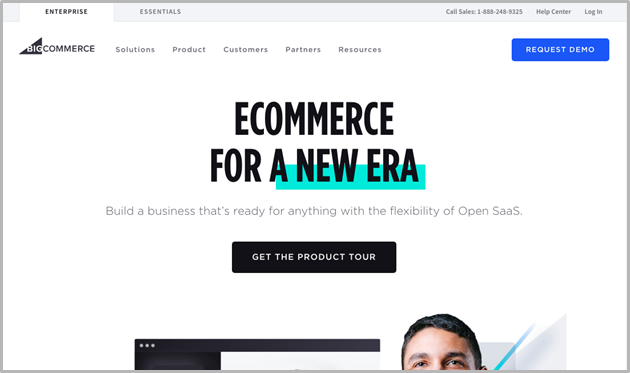
BigCommerce website screenshot

A platform that allows you to create your online store with many built-in features. BigCommerce even sends automated Abandoned Cart emails to bring customers back in.

  • Setup Process: Easy
  • Navigation: 20% faster than average
  • Security: High
  • Integrations: Almost with any app and social network
  • SEO friendly: Maybe the SEO-friendliest platform.
  • Responsive ready: Yes
  • Analytics: Analytics and insights reports. It also shows you the interaction with customers.
  • Tech Support: 24/7
  • Payment methods: All payment methods

WooCommerce
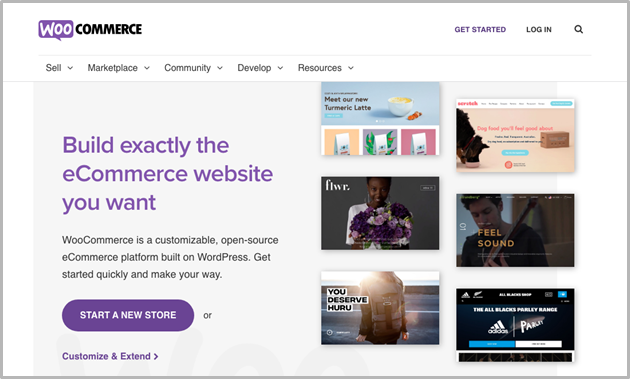
WooCommerce website screenshot

An open-source e-commerce plugin, that is very popular among the e-commerce community. This plugin is built on the WordPress platform and lets you start selling products from your WordPress site.

  • Setup Process: Easy. Particularly to WordPress users.
  • Navigation: Easy to categorize, tag, and navigate.
  • Security: As this is a plugin for WordPress, security is on you.
  • Integrations: With all popular apps and networks
  • SEO friendly: Yes. Integrated on WordPress
  • Responsive Ready: It depends on your WordPress site responsiveness.
  • Analytics: Sales, orders, and general store status. It also integrates with Google Analytics
  • Tech Support: The worst, but you can find a lot of self-help guides on the internet
  • Payment methods: All payment methods

5. How To Write Better Content, Ads, And Product Descriptions

The audience visits your website for a reason – they are looking for specific information. They’re either searching for/looking to purchase a product or service, or they landed here while scrolling their favorite social media platform.

Your task here is pretty simple, but in the practice, it can get out of hand: To let them know you have what they came here for.

Online ad content has to be amazing, attention-grabbing, creative, and at the same time, relevant for the keywords you sprinkle all around it. Look for the following criteria in your online ad.

Simplicity

Woman working at home with a laptop

make sure it’s clear, concise, and to the point. It should have balance and will not seem to stand alone. Remember the objective is to get the users’ attention. Do not abuse flashy animations and focus just on one product, topic, or benefit at a time.

Never Underestimate The Power Of A Good Header

A well-thought header can draw your audience’s attention to your message.

When writing your content, remember the goal is to communicate the main benefit of your products, that’s right, just one. Why only one? Because of the previous point: Simplicity.

Trying to tell everything about your product in a 300-word product description is a recipe for failure.

Focus on the ONE attribute that previous customers weren’t able to ignore. The one thing your friends and family always say about your product or the main reason that drove you to start this business.

How To Write The Perfect Body Copy

Do not be cheap with your words. There is nothing more disappointing than to click an appealing product just to find out there is no extra information.

Your body copy is your best shot at converting a curious visitor into a returning customer. Use relevant words and keywords, make the copy concise, and don’t ever leave an empty product description.

Your Ads Should Not Be About You

Euphoric woman watching her smartphone in a train station

Your ads should be about solving the prospects’ pain, achieving a solution, and the benefits of using your product to do so.

This may sound intimidating, but you can write better product descriptions by just changing the questions you answer.

Instead of this Instead of this
What are my product perks? What those perks can do for the public?
How much does it cost? How much value does this bring?
What does my product offer? What you lose if you miss out on this opportunity?
What does my product do? How does this product improve your life?

Online Advertising -Which Type Is Best For Me?

Girl using a smartphone with a target on the screen

There are two main types of online advertising. You should evaluate which one is the best one for your particular product. Here are some of the main reasons to choose one or the other.

Pay-per-click Search Engine Advertising

This is commonly referred to as PPC, pay-per-click, or cost-per-click. It provides very affordable procedures for individual and account owners to create ads in the digital environment.

It also provides sellers with an opportunity to specify the time lag that they are willing to pay, using a data-driven auction. Several retailers are incorporating PPC options into their site for generating and empowering leads to purchase and support their products and services.

Direct Response Advertising

Social networking websites have tremendously influenced the way consumers get matched with products. They are increasingly finding their way to social networks before even checking out their email. For that reason, online businesses are seeking to understand the characteristics of social media so that they can target their online marketing efforts.

Conclusion

Couple buying goods online together at a new home, moving house concept

E-commerce digital marketing requires a lot of commitment, time, and expertise. But if you apply these steps and use the right strategies, you can launch your e-commerce digital marketing strategy in a reasonably short space of time.

However, if all this marketing process seems overwhelming, you can find someone else to do all the hard work for you, just like Chavez Web Design, LLC. If you don’t know where to start, send us a message!

Either if you want to innovate with an online store, a powerful Pinterest strategy, or learning how to sell real estate online, we are the experts! We’ll be glad to help.

Ecommerce Marketing Automation -12 Tools To Make Your Business Grow

Ecommerce Marketing Automation -12 Tools To Make Your Business Grow

What Exactly Is Ecommerce Marketing Automation?

Let’s take a look at your online business.

Chances are you have some followers, that you would like to turn into buyers. To do that, you need to know how they behave, and what type of product works better for each one of them. You may want to have a segmented mailing list, so you can keep the contact.

If they have already purchased something from you, it would be useful to know how good their experience was, to know the rating they gave you, and how satisfied they were with your product.

Also, you want to keep track of your visitors and your conversions. And if you are a content creator, you want to know how your subscribers behave, what they want to see next, and how to develop better content to keep your audience engaged.

That’s a lot of work!

Fortunately for us, the Internet offers thousands of different online marketing tools to help you automate most of those processes! And here, we are going to show you everything about which are the best ones for your business and niche.

Ecommerce Marketing Automation Tools And What They Can Do For You

Man interacting with productivity icons
Marketing automation is all about resource optimization. The proper automation tools can help you to know what your clients are asking for and how to give them exactly that. They can help you organize your mailing lists, track your website traffic, schedule email marketing campaigns or help you develop better content.

A good eCommerce Marketing automation tool is a piece of software that simplifies a highly complex task, so you can give better use to your data, ads, and content.

What do Marketing automation tools do?
You can find automation tools for almost everything:

  • Tracking engagement
  • Filter leads
  • Creating better ads
  • Delivering reports
  • Scaling programs
  • Aligning sales
  • Measuring effectiveness

And a long list of etcéteras.

Ecommerce Automation Tools Before Vs After Covid-19

Woman paying online with a card on laptop wearing a mask in covid-19 confinement sitting on a desk at home
Covid-19 made the world realize we needed better ways to make an online business. That’s the reason behind many platforms booming in 2020, Zoom is maybe the most famous case.

For most of us, the world shrunk into our devices, and by the end of 2020, even grandpas were using some sort of online service for their daily lives.

With so much change in such a short period, software developers went above and beyond designing and programming new tools for this growing market. As a result, today we have a wide variety of plugins, services, and apps, to help us achieve almost anything with our online businesses.

Reasons To Start Using Marketing Automation Platforms

Young couple set up an online business
Marketing automation platforms allow you to focus on your products, brand, content, and customers.

Can help you keep track of your visitors, customers, and sales, and they can also help you manage ads campaigns and score leads

Some of them are particularly good at giving you control of every part of the sales funnel or letting you automate marketing processes and conversions either online or offline.

Ecommerce marketing automation makes it easy to manage and send emails to your mailing lists, and the appropriate tools can do a lot more for you!

Best Ecommerce Marketing Automation Tools

Let us show you some of the most popular tools we found, o you can decide for yourself which one to try first

1. Hubspot

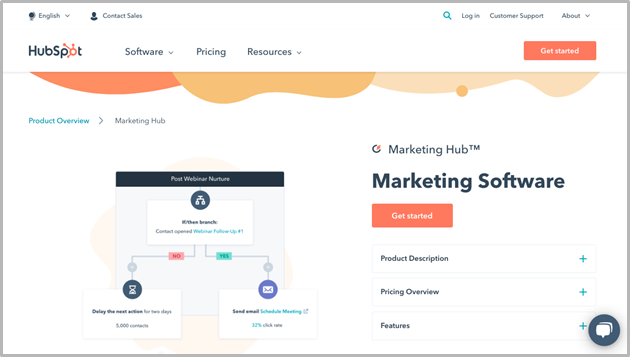
Hubspot webpage screenshot

An all-in-one marketing platform with its marketing automation toolkit. It offers integration with Shopify to integrate your store data. It helps you coordinate CRM and automate your online marketing campaigns. It also comes with customer service software.

It is a great tool to forget about email marketing, so you can invest more of your time in making your business grow. It offers integration with Facebook, Eventbrite, Google Ads, Facebook ads, Survey monkey or Zapier.

Is it right for me?
This platform can help you keep in contact with customers and even send them an empty cart email reminder to bring them back. It’s ideal to customize and personalize workflows.

If you are starting up your company and need an easy-to-use automation tool, HubSpot may be your best choice

2. Klaviyo

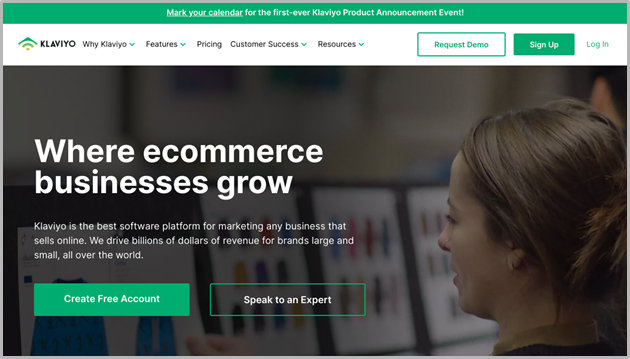
Klaviyo website screenshot

This is a comprehensive eCommerce marketing automation platform that can help high-growth online stores to increase the value they deliver to their audience. This is a cloud-based tool that offers a segmentation engine to help you create personalized email marketing campaigns.

It has many of the features you would expect from an eCommerce marketing automation tool. You can also expand its capabilities with direct integration into other platforms like Shopify, Big Commerce, Commerce Cloud, WooCommerce, or Magento.

Is it right for me?
Klaviyo offers a friendly service that anyone can use, however, if you have some knowledge about how to use data science, you will be able to get the most out of it.

3. Bronto

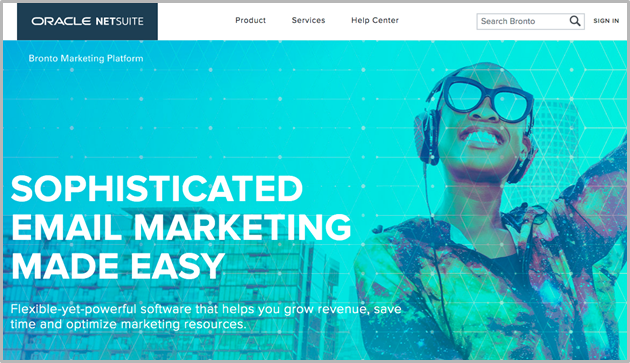
Bronto website screenshot

Bronto is part of the Oracle Netsuite for enterprises, and because of that, it offers full integration with the rest of the Oracle Netsuite tools. This service offers you primarily an email marketing solution, but in the long run, it can help you manage multi-channel customer engagement at scale.

This is a robust platform that can help you personalize your campaigns, automate processes and offer you valuable analytical insight. It also offers integration with platforms like Magento, Salesforce, Monsoon, and Reaction Commerce.

Is it right for me?
If you are already happy with any other of the Oracle Netsuite tools, you may want to give it a try. Bronto also can help you to simplify many of the processes on multi-channel campaigns, that’s why many major brands use it.

4. Pardot

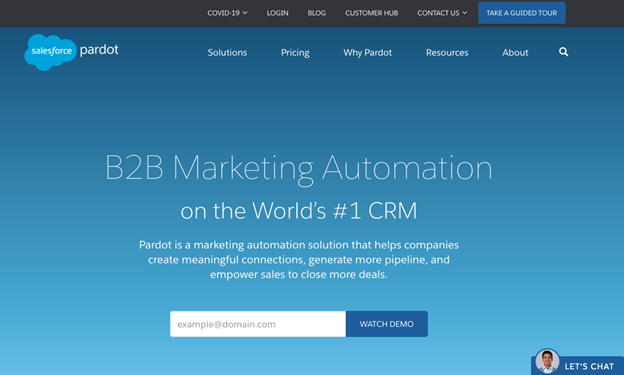
Pardot website screenshot

This powerful marketing automation tool helps your and sales teams to pick to filter your leads and find the most promising ones.

Pardot can help you create more meaningful connections with your database to generate more leads and to move them faster through your pipeline.

You can find new ways to engage with buyers, and it even helps you to understand each step of your funnel from click to close.

Is it right for me?
If you need to segment many different customer profiles and get an appropriate interaction with each segment, this is a tool that you may want to try. Another important thing is you don’t need extensive knowledge to get really good insights.

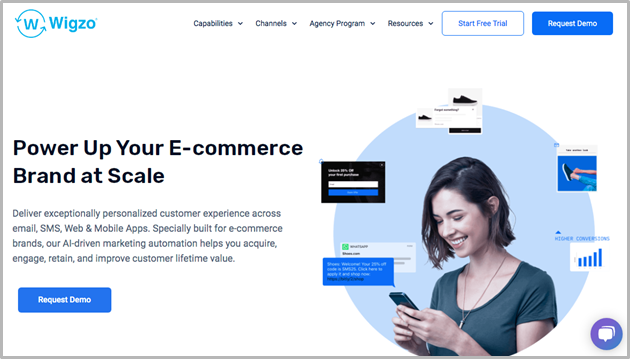
5. Wigzo

Wigzo website screenshot

This omnichannel marketing automation platform helps your eCommerce company to streamline the work. It works for both B2B and B2C businesses and lets them run different aspects of the marketing strategy on the same platform.

Wigzo lets you perform a lot of actions across different channels like email, SMS, Whatsapp, Onsite, Push notifications, and many more. Automating processes through this tool lets you segment and personalize the strategies to use for different audiences.

An effective tool that can help you get your eCommerce funnel and database in check, and understand all significant insights from your sales process.

It also offers integration with Twilio, elastic mail, Active Campaign, Facebook, or Google Analytics.

Is it right for me?
Wigzo offers a unique Machine Learning algorithm that recommends products based on user behavior and previous purchases, so it is a helpful tool particularly for eCommerce businesses with many products and segments.

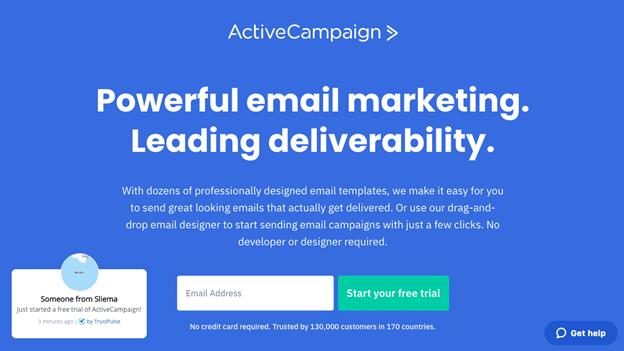
6. Active Campaign

Active Campaign website screenshot

“Omnichannel marketing automation made easy” is one of the claims on their website. This Marketing Automation Tool can help you reach the right contacts at the right time thanks to its advanced segmentation and personalization.

Facebook, Typeform, Salesforce, Unbounce, and Google analytics are some of the integrations this platform offers.

This tool offers some interesting features, for instance, it lets you view preferences and behavior-based data to personalize clients’ interactions.

Is it right for me
Segmentation is the Game of Active Campaign. So if your businesses need better segmentation or communication with different audiences, this one could be for you.

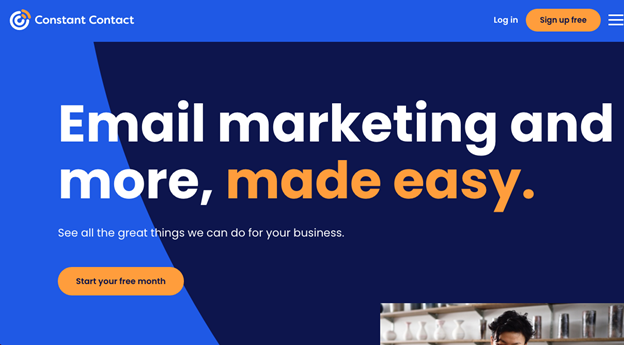
7 Constant Contact

Constant Contact webpage screenshot

Constant Contact is a marketing solution that can help you get the most out of your email marketing and social media advertising campaigns. This platform can automatically send targeted welcome emails whenever a new lead is interested in your brand.

Another nice feature is it helps you organize and manage more efficient marketing campaigns. It integrates with Quickbooks, Salesforce, Office 365, Facebook, Google, or WordPress.

Is it right for me?
This is a platform that allows you to segment your customers based on their purchase activity and it also helps you reduce lost sales by sending customized “abandoned cart” messages. It is a good option to keep constant contact with your database, with minimal effort.

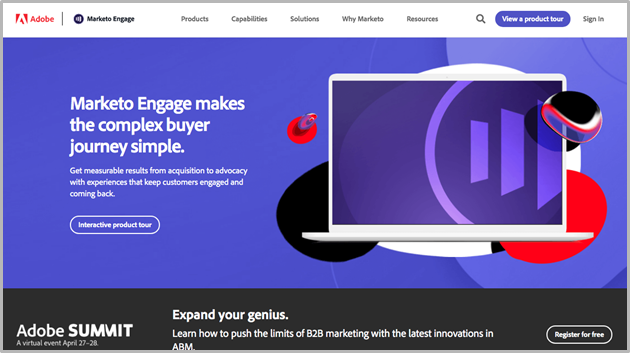
8. Marketo

Marketo website screenshot

Marketo is one of the big names on this list, partly because it comes from Adobe. This is another cloud-based platform that can help you to boost your digital marketing businesses.

This tool helps you with the lead generation process by engaging with potential customers from their very first click, and throughout their whole journey. Marketo can also help you create campaigns to personalize your visitors’ experience on your website to turn them into customers.

This tool integrates with most CRM systems, it lets you identify your most valuable leads, and helps you to catch their eye.

Is it right for me?
Marketo is an enterprise-level marketing automation tool. It is ideal if you have a company that is growing faster than you imagined. It has Adobe support, which is also a good thing.

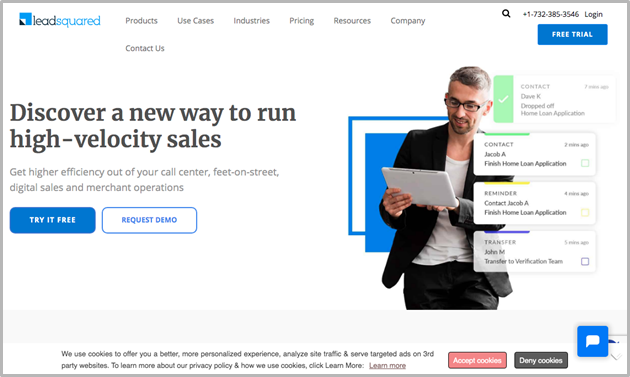
9. LeadSquared

Leadsquared website screenshot

LeadSquared is promoted as a lead conversion and marketing automation tool. It helps businesses to track and manage contacts and leads with ease. It works great for both: B2B and B2C.

This particular tool lets you focus primarily on the lead nurturing phase and helps you to understand which part of the funnel your customers are, and to move them faster into conversion.

You can also build trigger-based prospect communication workflows and reach every one of your prospects on their preferred channel. It could be email, SMS, phone call, or WhatsApp texts.

Is it right for me?
If you want to be aware of every part of your sales funnel and be able to track your customer’s interactions, this could be the tool for you.

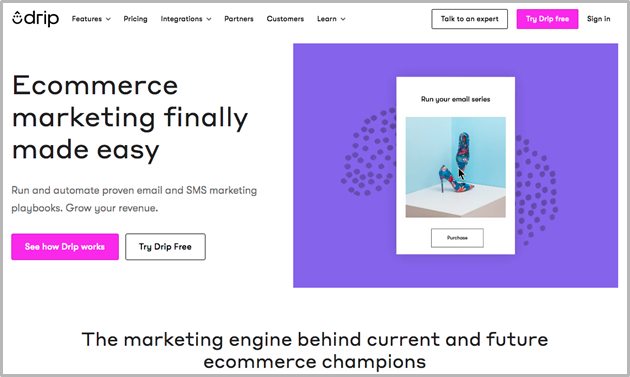
10. Drip

Drip website screenshot

Drip is an eCommerce Automation tool designed specifically for B2C companies. You can use it to increase engagement or drive more revenue.
Users of the platform say they are now able to see their customers “in full color”. Comprehensive tracking and hyper-segmentation are a couple of the most relevant features
It offers integration with Facebook, Drift, Privy, JustUno, FOMO, or Textiful. And gives you the chance to collect and organize data, to keep track of your customers’ journey, allowing you to improve their experience and get real-time feedback.

Is it right for me?
This is a friendly tool designed specifically for B2C businesses. If you are just starting and need an insightful platform to start understanding how your B2C customers behave, you should try Drip

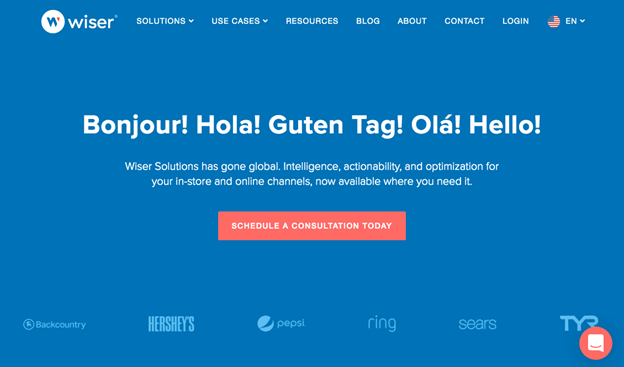
11. Wiser

Wiser website screenshot

This is a good option for retailers and brands who need to manage omnichannel data. It can help you increase revenue, reduce costs and improve the effectiveness of your marketing campaigns. This platform offers you a comprehensive pricing strategy and many tools to automate your marketing processes.

An important distinction is that it can help you to A/B testing your prices and strategies to estimate demand and find the best ratio to maximize conversions.

Wiser also gives you valuable insights that you can later mix with the advanced workflow software to increase the value you deliver to your audience.

Is it right for me?
You should give it a try if you need to manage data from many channels. This tool is like a swiss-army-knife that can help you with automation, pricing, retail auditing, and other business aspects.

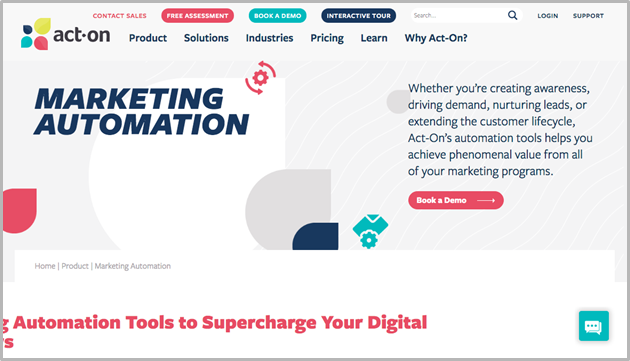
12. Act-On

Act-On website screenshot

This automation platform was designed for enterprise brands and can help you optimize your marketing initiatives. It helps you increase engagement by enhancing the customer experience.

Act-On collects in-depth data to analyze your prospect’s behavior and show you their buying journey. This lets you nurture the best brand-customer relationships.

It also can help you connect different marketing tactics to achieve improved results. Its automated nurturing tools let you add an effective level of personalization to send relevant pieces of communication to different audiences

Is it right for me?
This is a platform that provides valuable information about your audiences and allows you to optimize marketing initiatives. If your company has many products and different audiences, you’ll find a good companion in Act-On

Frequently Asked Questions About Marketing Automation

A Person's Hand Holding Cart With Cardboard Boxes While Shopping Online On Mobile Phone
Since Marketing Automation can get a little tricky, before you go, let us help you clarify the most asked questions about it

What Is Meant By Marketing Automation?

This term refers to the process of automating different marketing and sales processes, such as segmentation, customer fidelity, email campaigns, or social media posting.

What Is A Marketing Automation Tool?

Generally, they are pieces of software, apps, or plugins you can integrate within your selling journey, to gather data and automate different parts of the process.

What Are The Benefits Of Using Ecommerce Marketing Automation Tools?

The main benefit is you save a lot of time and effort. The different automation tools can help you to gather information, send emails, or create segmented campaigns for your different audiences.

Tablet with B2B icons on the screen, on a working desk

Can I Use Ecommerce Marketing Automation Tools If My Business Is B2b?

Yes. There are many platforms out there to cover different needs. Not only can you choose tools specialized in B2B businesses, but you can even go deeper and find the one that works the best with your particular niche or product.

What Are The Basic Features For Which I Should Look Out?

Marketing automation is much more than just mailing or CRM platforms. Unfortunately, there is no one-size-fits-all platform since they offer very different benefits. Take a look at the full article so you can get a better grasp at the things you should look for in an eCommerce Marketing Automation tool

When Should I Start Using Marketing Automation Platforms?

As soon as you begin selling anything online. These tools and platforms not only can help you to understand your audience and forecast your selling process but also to understand how your customers behave, what and why they purchase, and their purchasing patterns. The sooner you can put all the data from your business together, the better.

Online support. Toolbox with tools on laptop

Which Is The Best Ecommerce Marketing Automation Tool?

There is no “winner” since all of them offer different solutions for different parts of the sales process. We suggest you take a look at the whole article to get a better idea of which ones will work better for you

Are Marketing Automation Tools Temporarily Solutions?

Marketing automation won0t be going anywhere soon. After COVID-19, most companies are constantly looking for better and easier ways to keep in touch with prospects and customers. Right now you can find a lot of options, but you can expect to see more and more with time.

Do I Need Previous Knowledge About Marketing Or Ecommerce To Use Them?

Most of the platforms we present here can be used “straight out of the box” with no specific knowledge required. But if you find any trouble with your chosen tool, most of them offer customer support 24/4 and training courses included in the cost.

Conclusion

With the booming eCommerce economy we have after the quarantine, you can expect the online business to keep growing, and with them, the available options for marketing tools.

If you want to learn how to get even more data from your funnel, you may want to take a look at this article about how to use the New Google Analytics to your advantage.

And if you still have any questions regarding Ecommerce Marketing Automation tools, let us know in the comments!

_____________________________________
Source:

https://www.wigzo.com/blog/marketing-automation-tools-for-e-commerce/
https://www.yieldify.com/blog/the-5-best-marketing-automation-tools-for-e-commerce/
https://www.smartmail.io/resources/best-ecommerce-marketing-automation-platforms
https://cedcommerce.com/blog/frequently-asked-questions-about-marketing-automation/

How To Create A Facebook Business Page (8 Easy tips)

How To Create A Facebook Business Page (8 Easy tips)

8 Easy Tips to Help Create a Facebook Business Page

Creating a business Facebook page is a great opportunity for you as a business owner to expand and increase your sales.

Starting a Facebook page can be very simple, but adding the right details requires some attention. The platform has changed throughout the years and will continue to do so, so it is a good idea to keep up with the updates. With these tips, I have broken down the steps to follow for you to have the best business Facebook page. The better quality your page is the more interaction it will have. Around 2.5 billion users are on Facebook on a monthly average. Just imagine how much traffic your business Facebook page can generate.

With these 8 tips, I have provided you with your Facebook business page that is on its way to display your content to generate more sales.

1. Facebook Business Page Registration

The first step you must do is register for a Facebook business page. Next, you will need to choose the category of your business. There will be many options that appear but all you have to do is choose the one that best aligns with your business.

Facebook Business Page Registration
You will then need to input your business information and start off by putting your actual business name as the page’s name. You do not want to create a different name for the Facebook business page as it will cause confusion. Facebook will also ask for an address but if your business does not have a location you may put your personal address. You then have the option to hide your address if you do not want it publicly shared. When adding your profile picture it is recommended to use something professional. Most businesses use their logo or something related to their business.

Once you have created your page you then need to set it up for success. Start off by creating a user name but keep in mind this is optional. You will then need to finish setting up your page so Facebook users know you are a credible Facebook business page. This includes establishing your page’s identity, providing info and preferences, and introducing your page.

Facebook Business Page Registration

2. Setting up Profile Image

Once you have registered your Facebook business page and entered all your business information, you now want to add your profile image.

As mentioned earlier most businesses use their business logo as their profile picture. Although, you may use any photo that represents your business or the brand of your business. You also want to make sure your image is clear and a good quality picture. Most importantly use an image that is professional and will likely catch the user’s attention.

Setting up Profile Image
It is very simple to upload a profile picture and in doing so can help many Facebook users recognize your page. Make sure the image you use is cropped correctly because you do not want to have just half of the picture you use showing up in the profile picture. If your profile picture contains text make sure it is visible and easy for users to read.

The next thing you would want to do is consider adding a cover photo. A cover photo appears as a background image on your Facebook business page. Just like your profile picture your cover photo should correspond with your business. It should also be a clear image, cropped correctly, and of good quality. Instead of an image, you can also add a cover video. This video can be showcasing your product or something your business provides. Keep in mind the video must be between 20 – 90 seconds long and have a maximum 1080p resolution.

Setting up Profile Image
Your profile and cover photo is usually the first thing Facebook users notice so make sure it is appealing and corresponds with your business.

3.Invite Friends to Like your Page

Facebook recommends inviting your friends to like your page often. The more friends like your page the more users will be able to see your Facebook business page on their news feed. This is similar to promoting your business because your friends might have Facebook friends that you do not have. This is an opportunity for other Facebook users to see the page you created.
Invite Friends to Like your Page
If Facebook does not give you the option to invite your friends like shown above, you can still do so by clicking on the other actions tab. Then you easily click on the “invite more friends” tab and it will then showcase all your friends. They will be in different categories such as friends invented and friends not invited. You can then choose which friends you would like to invite to like your Facebook business page.
Invite Friends to Like your Page
Remember, users that like your page will see your updates and the content you share on your page. Keep in mind that you are limited to the number of invites you can send a day, so if you have editors they can also help you by sending invites. This will increase the number of invites you can send in 24 hours.

This is an easy way to help your page grow. You do not want to miss the opportunity to increase the number of people that follow your Facebook business page.

4. Adding Additional Business Information

When you first created your Facebook business page you added your basic business information. Now you need to add the remaining information to get the best results.

On your Facebook business page look for the about tab. There you would need to fill out the remaining information about your business. You start off by first entering your location such as an address, state, and zip code. If you do not have a location Facebook gives an option to click on where it says my page doesn’t have a location.

Adding Additional Business Information
You then would want to add your contact information. Enter your website, email, and most importantly your phone number. Lastly, enter your business hours which allow potential customers to know what your hours of operations are. It is important to fill out all this information as it can be a potential customer’s point of reference for your business. Facebook also gives you the option to add a price range that gives customers an idea of how much they will spend for your services.
Adding Additional Business Information
You also want to take advantage of the, introduce your page feature. There you can write about your business and what is it that you do. You would want to highlight everything that makes your page special such as your products or services you offer. Here you are able to add pictures or videos of your product or services to catch customers’ attention.
Adding Additional Business Information
Filling out all this information will help customers find your Facebook business page and let other users learn about your business.

5. Choosing the Right Page Template & Tabs

Once you have filled out all of your business information you now want to pick the best template and tabs that correspond with your business. This allows for your page to stand out from the competition and lets you customize which tabs you want to appear on the sidebar of your Facebook business page. To get to this area you will need to click on the page settings tab and it will then show you the templates and tabs area.
Choosing the Right Page Template & Tabs
Next, you want to choose the template that best fits your business. Facebook gives a few different templates you can choose such as standard, business, services, nonprofit, politician, and a couple of others. Once you find the one that corresponds with your business you simply apply the template to your Facebook business page.
Once you have chosen a template you now should choose which tabs you want to be displayed on your page. You could rearrange them to appear in the order of your choosing as well as determine the order in which potential customers will view them. A quick tip is not to add too many tabs as it could be overwhelming for users. Also, if you have Instagram I advise you to use the Instagram tab as it could increase your Instagram followers.

Adding and filling out your service tab can be a very important highlight to your Facebook business page. This allows customers to have an idea of the services you offer as well as the price range. Add a detailed description of the service you are offering and highlight any important product. This is a great opportunity to show your expertise and inform your visitors a little more about your business.

Choosing the Right Page Template & Tabs
Selecting the right template and tabs will help the quality of your page and draw more potential customers.

6. Adding a Button

Adding a button to your Facebook business page is like adding a call-to-action that allows people that interact with your page to contact you. This is probably one of the best ways to attract traffic to your page, just by simply adding a button.

To add a call-to-action button you simply click on the ass button tab right under your cover photo. Once you click on it Facebook will give you different options to choose from. Some of the many options they give you include start order, book now, get a quote, call now, contact us, and a few others. Unfortunately, Facebook does not give you the option to create your own call-to-action button, so just choose the one that best corresponds with your business. Although, you could set up your button to send traffic to a website or landing page.

Adding a Button
For example, if your Facebook business page consists of a restaurant or makes food, you might want to click on the start order button. Then you simply follow the instructions indicated under the start order tab. Each of the different call-to-action options has different questions you would want to fill out. Another example is the call now option, you must fill in your phone number or the number you would want customers to call.

This is an area you do not want to miss doing on your Facebook business page because it is one of the best ways to generate traffic to your page. This call-to-action button allows customers to easily engage with your page. Something this simple can be a great benefit to your business.

7. Creating your Username

Creating your username will make it easier for customers to search up your Facebook business page. Once you have chosen your username you can create a custom URL that allows potential customers to quickly message or visit your page.
Creating your Username

A quick reminder that your username should correspond with your business and it is proven that shorter URLs and usernames are easier for customers to remember. Also, if your business name is taken and you are unable to use it for your username consider using a product or service related to your business. Keep in mind that usernames can only contain periods and alphanumeric characters such as A-Z and 0-9. They also must be at least 5 characters long and can not contain any extensions such as .com or .net.

Your username should be unique to your Facebook business page and should not impersonate someone else’s name. The username can also be removed if it is inactive for a certain period of time. So, make sure to constantly be active and avoid constantly changing your username. Most importantly your username should adhere to Facebook Terms.

A quick tip when creating a username is if you have other social media accounts try using the same username as the other accounts. This will help with confusion and customers from your other social media accounts to know it is the same business. Think of your username as your brand, you want customers to remember it and recommend it to others. This is just another way your Facebook business page can attract traffic to your page.

8. Promote your Facebook Business Page

Your Facebook business page gives you an option to promote your page. I recommend taking advantage of this to attract even more customers to your page. Inviting your friends and colleagues is not the only way to promote your business.

The different ways Facebook offers to promote your page are automated ads, get more website visits, get more messages, promote your page, and get more leads. Each one has a different policy you must accept in order to continue with it. For the automated ads, you get to create your own personalized plan and they test up to six different versions and you choose the best performing one. Then you just have to review your plan and start it.

When getting more website visits, you get more traffic to your website but it does come with a price. It usually is $4.00USD per day and $20.00USD a weekly total but you get to choose your budget. The get more messages promotion is very similar to the website visits and they also charge a fee. The promote you page also has a fee and a few questionnaires you have to fill out. I recommend you do a pros and cons list if it is worth it for your business to invest in these promotions. Although, I recommend you invest in one of those promotions, as it may help you generate more traffic to your Facebook business page.

Promote your Facebook Business Page
The main goal of promoting your Facebook business page is for you to have in mind the target audience you want to reach. You want to build your brand up and the most common way to do so is by interacting with your customers. A good way to do so is by doing contests or giveaways, customers love that and will be more willing to return.

Remember to promote your Facebook business page any way you can as doing so will only help your business grow.

Conclusion:

Facebook is one of the largest, if not the largest social network in the world. So, if you think these tips will not help you grow your business you are wrong. Billions of users use Facebook on a daily basis, and those are all potential customers that can interact with your page.

Remember to have your Facebook business page ready and complete before you start promoting it and inviting friends to like it. Also, have content ready in case customers begin to ask questions.

If you found this article helpful I recommend you reading this one as well, it will not disappoint you!

How To Create A Facebook Business Page (8 Easy tips)

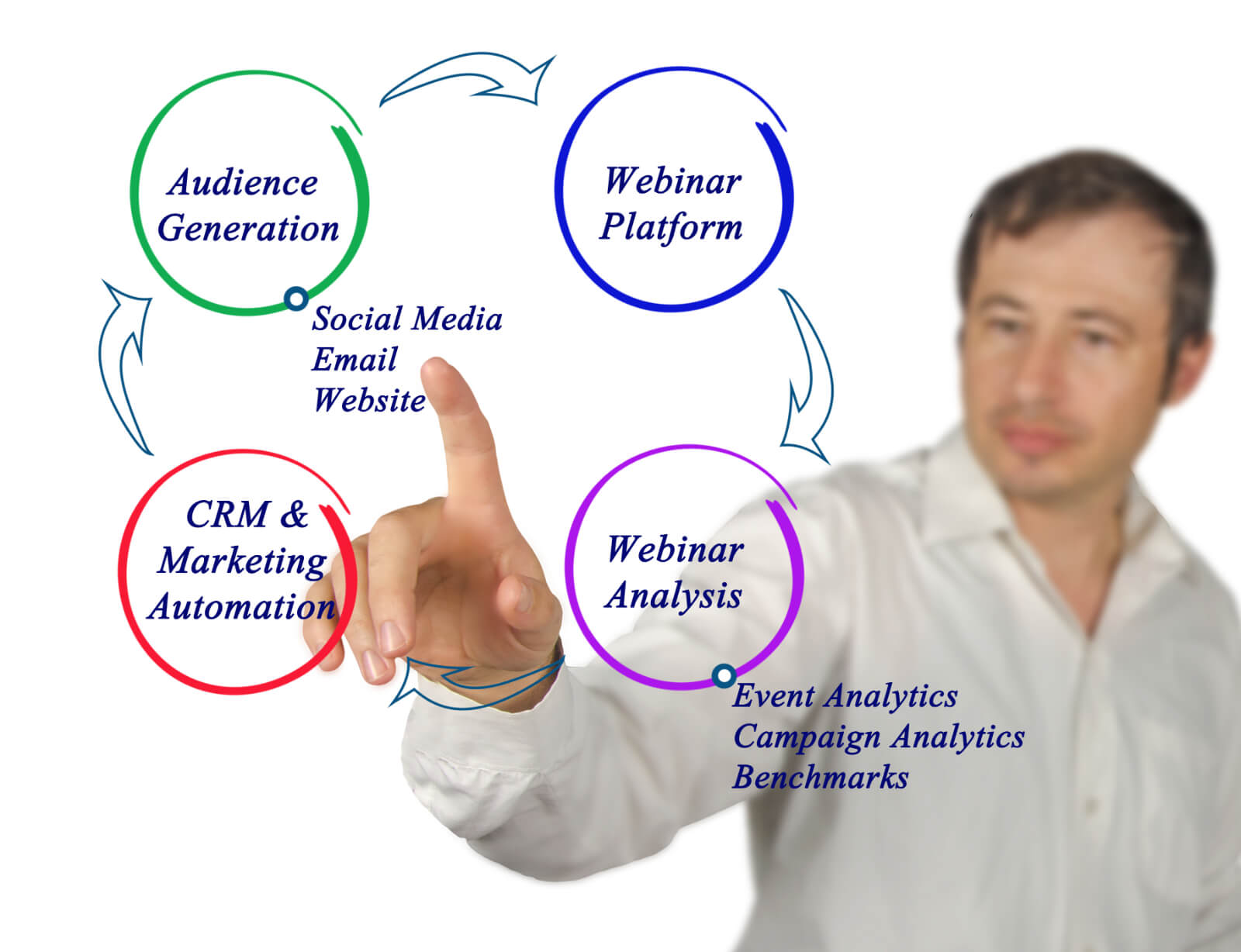
6 Steps To Follow For Webinar Marketing

The 6 steps to follow will help with Webinar Marketing.

Webinar marketing takes some strategic ways in order for you to promote your business effectively and reach a higher audience.

These 6 steps I am about to provide you with will guide you through the best ways to use Webinar marketing that will guarantee your business reach new customers. My goal for you is to have a great understanding of how Webinar works in order for your business to reach new heights and for you to be able to promote it effectively.

Once you understand how Webinar marketing works you will be able to promote your business correctly and reach a whole new level for your company!

1. What is a Webinar

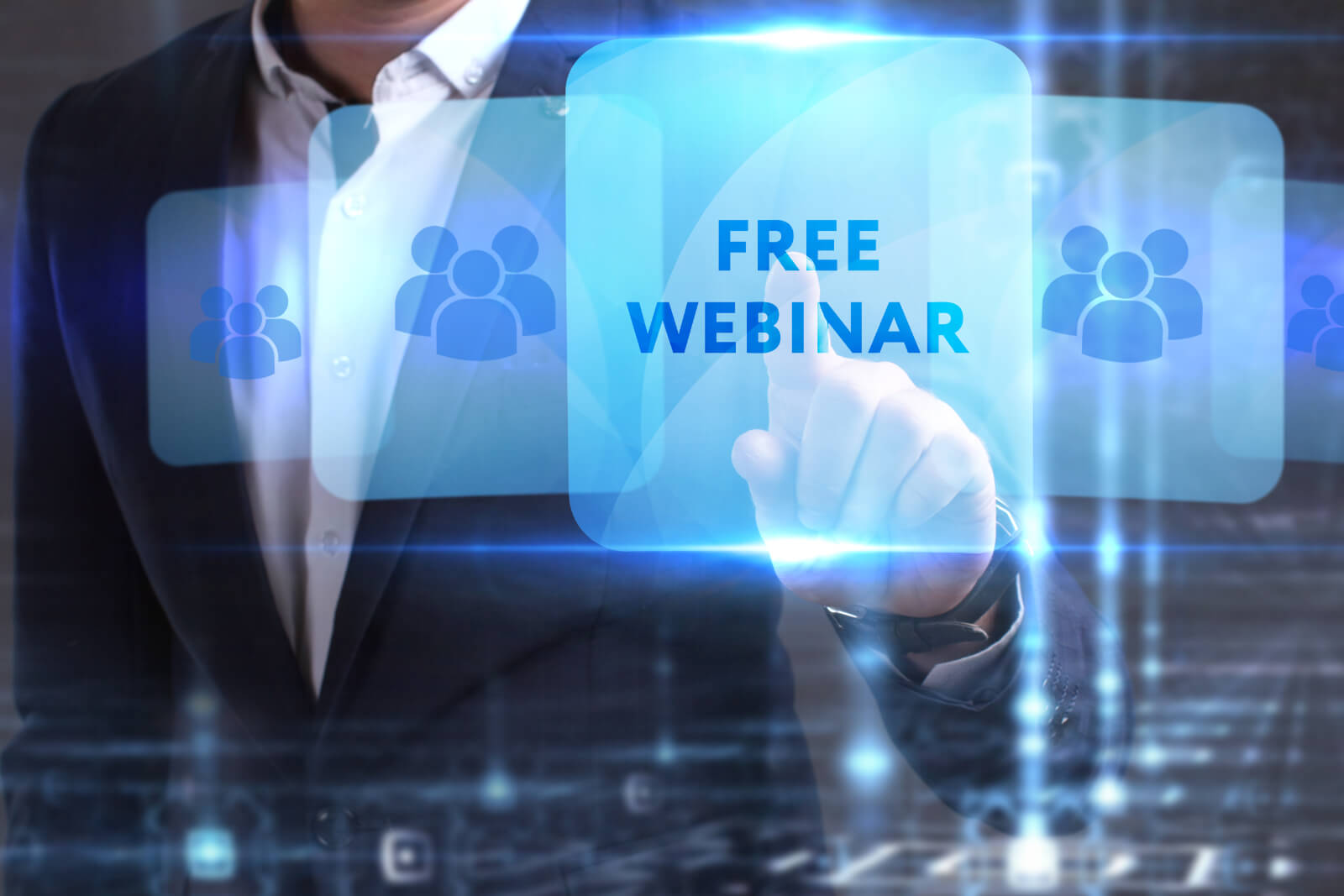
What is a Webinar
Webinar marketing is an online seminar to help your business promotions reach a higher audience that may become potential customers. Webinar marketing helps by retaining viewer attention, brings conversation, and generates leads quickly. Webinars are also a lead generation tool that provides free information that is valuable, in hopes that potential customers will see the need to upgrade to paid services or products offered by that business.

One should use Webinars for marketing when teaching potential customers how to use your product, solve a specific problem, or want to share knowledge with the audience. Webinar marketing usually consists of questions asked by the audience while you as a business trying to promote your service provides an answer in hopes of acquiring more customers. Companies also usually use Webinar marketing to demonstrate their service or product and showcase their expertise in the field they serve. The better the topic is the more interested customers will be and most likely would want to buy your product.

One of the best things to do with Webinar marketing is building a strong relationship with the audience or customers. Building on the platform from the relationship made from these potential audiences will help increase your leads. This will help you by generating leads that eventually you would want to turn those leads into revenue.

Keep in mind that Webinar marketing is not a sales market, but rather an online seminar that with the right strategies could bring in customers.

2. How to Choose the Right Webinar Topic

Once you have a basic understanding of Webinar marketing, you now need to focus on choosing the right topic that gives your business the best chances of reaching a higher audience.
To ensure you choose the right topic for the service your business provides, try using a top keyword your business often uses. Once you have found the right topic you then want to provide some valuable content. Once customers have tuned in to your Webinar, you do not want to waste their time with content that is not valuable to them. It will only hurt your business if your content up the topic you have chosen is up to the standard of quality to your audience. Word of mouth spreads quickly and that goes for both good and bad content.
How to Choose the Right Webinar Topic
Through Webinar marketing, it is common for your customers to ask questions. So it is only right that if you promise them something such as a link, sample product, etc. that you keep your word and go through with it. Pay attention to questions that are constantly asked, for those can be a great way to pick out the right topic. Consider talking to your customer service team and ask them if they have any ideas about which questions they frequently get asked by customers. That can help you pinpoint the right topic to ensure your audience is intrigued.

The next thing you should do when choosing the right topic is to make sure your title is a catchy title. Webinar marketing relies heavily on its title to draw the attention of the audience. A great topic title should be informative, interesting, and gets the point across. Most importantly be creative!

Remember you want to entertain the audience to generate leads with the topic you choose not waste their time and effort of joining your Webinar.

3. How to Promote Your Webinar Marketing Strategy

Preparing to promote your Webinar marketing strategy can take months of preparation. This is usually because many companies begin to promote their Webinar a few weeks before that actual date it is set to run. Starting everything at an even earlier time allows for the promotions to begin a few weeks ahead without the feeling of being rushed.

Big decision companies must make when doing a Webinar is choosing which host service to use. Some of these host services can charge a fee for using their service but for those of you that are barely starting there are free host services you can use. Some of the Webinar marketing host platforms you can use include:
(fees may be required)

For those of you that are unable to invest in these paid platforms can try something free like Youtube live. Keep in mind you must have a Google account to be able to use Youtube Live.

Once you have that the next thing you should do is create a plan. After selecting your date, start by adding the Webinar title, description, and a meta description on the main page. This will help the audience have an idea of what your Webinar will provide. Provide them with an estimate of how long the Webinar may be as well as saying it is free to join. Testimonials, social proof, and endorsements will help your potential audience know that it is the right Webinar for them. Remember that emails are one of the biggest promotion tactics and more than 50% of the Webinar sign up are via emails.

Having an opt-in on the main page is a good idea which allows you to keep people updated. You should also send a few reminders via email about the date of the Webinar and any updates that have been made.

How to Promote Your Webinar Marketing Strategy
Other promotional strategies include:

  • Promotional videos
  • Promotional banners on the website
  • Social media campaign
  • Thank you messages to subscribers

You also would want to release teasers to get people interested and make them want to join your Webinar. At the same time, you do not want to release too much information just enough to get them hooked. Remember promoting your Webinar marketing is what is going to provide you with the biggest chance of getting lots of attendees. When the day finally arrives give them something special they will remember that way the next time you set up another Webinar they will want to join.

One final promotional strategy is to invite a guest speaker which can potentially double your attendees. Do research on your topic and possibly invite the best candidate guest speaker to your Webinar.

4. Setting a Webinar Marketing Attendee Goal

Setting a Webinar Marketing Attendee Goal
Having a goal of how many people you want to attend your Webinar will inspire you to reach it. You want the most attendees possible to help generate leads and awareness of your service.

Start by setting a realistic goal of attendees, and keep in mind just because they registered for your Webinar does not guarantee they will attend. What can possibly help your attendee goal is by also setting a registration goal. It is also helpful to track your performance every once in a while to keep track of your efforts of reaching the goal set. This will give you time to step up your promotions if you feel like your goals won’t be reached by the date of the Webinar.

Learning how to boost your Webinar marketing attendees will help you increase those potential customers. You can start by getting a list of past attendees and encourage them to return. For those of you that this will be your first time holding a Webinar, fortunately for you, there have been many before you that you can go to for advice. Another thing to consider when you are trying to recruit attendees is to make sure the time you choose is right. More than 50% of the Webinars take part during these hours and days in the U.S.A:

  • 1:00 p.m. – 2:00 p.m. Eastern time
  • 10:00 a.m. – 11:00 a.m. Pacific time
  • Tuesday, Wednesday, & Thursday

You also do not want your Webinars to be lengthy in time. Some surveys showed that Webinars between 45-60 minutes is the ideal length to attract two-thirds of the registered attendees. Although, Webinars that are between 20-30 minutes long might be convenient to attract larger audiences since they may be looking for quick content.

These goals and objectives are bound to work but only if you dedicate your time and effort to doing them effectively.

5. Work Effectively With Your Team

Obviously, you will not be doing the Webinar all on your own. That is why it is very important to have the right team by your side. Teamwork is crucial to having a successful Webinar market strategy and this will only happen with the help of your team. Teamwork makes the dream work!
Work Effectively With Your Team
Communicating with your team is a very important thing to do in order for your Webinar marketing strategy to flow smoothly. Just like you are preparing for the Webinar, your team is also right behind you supporting you in every way possible. You as the speaker of the Webinar main job is to put up a good show. Therefore, you need to be experienced with the service you provide, prepare and practice for your Webinar, and most importantly set yourself as the brand’s leader.

In doing this you need the help of your team to help you practice as well as get other important things done before the Webinar’s date arrives. It is recommended to assign each one of your team members a certain role to ensure that everything will be ready for the day of the Webinar. Put your customer service team to provide feedback in areas that will help you improve. Your market team can also provide feedback in new and improved ways to turn your audience into potential customers. Other team members can help manage reminders that need to be sent out, handle the campaign that is set to advertise your Webinar and many other tasks that need to be completed.

Members are not the only ones that are part of your team. The equipment you use to host your webinar is also a major role in having a successful webinar. Having a good HD quality camera can help with your recordings to have good resolution. Quality microphones can help your audience hear you clearly as well as having the right amount of lighting. This can include wires, headphones, transmitters, high-quality microphones, and other miscellaneous things. Most importantly is your appearance. This is not only in terms of your professional appearance but also the background you use. You would want it to correspond with the theme of your choosing.

Remember that it is important to share the performance results as well as insight with your team, as they were also a big part of the success of your Webinar marketing strategy. Show them how their contribution to the Webinar helped you have a successful one.

6. Follow up After the Webinar

Once the Webinar is over, your job still is not done quite just yet. You should still follow up with your audience and potentially convert them into customers.

What you should do at the end of the Webinar is start off by thanking all the people that took time out of their day to attend your seminar. You should also encourage them to come back to the next one you will be hosting. Also, if you promised the attendees any incentives make sure to follow through with them. Have your attendees provide feedback on your Webinar for this can help you improve in areas that are needed to. It is also recommended to send a thank you email that has the recording of the video and any other links that can help them reach you.

Answer all the questions you are asked promptly and effectively and try to promote your business to ensure they will buy your product. The whole point of this Webinar marketing strategy is to have those attendees want to but the services or product you offer. To help with the attendees potentially purchasing your product or services you should offer them special discounts, reward them, sample products, etc. anything that will make them feel special and then will potentially buy your services.

Follow up After the Webina
Besides sending a thank you email to all those that attended, you should also include a survey. Some of the best practices when writing those emails is to make them short, personalized, include video link, and valuable insight. As for the survey, this will help you with the feedback and possibly improve in areas the audience disliked as there is always room for improvement. It is also important to add a “call to action” towards the end of the email. For those that registered it is also important to send them an email and in the email include a brief summary of the Webinar, as well the video link, and lastly, encourage them to attend the next one.

For a final tip, make sure even after the Webinar is over to continue to engage with the audience. Not just after the Webinar but keep following up with them, for your goal is to build strong relationships with them. Then they will turn into customers and they could start recommending you to their friends, family, co-workers, and others. Generating leads will only help you with your business. Always remember to track your performance and see how your Webinar did. Find areas where you want to improve and begin working on a plan to help you improve.

The more leads you are able to generate the bigger the chances your business will grow. Webinar marketing is designed to attract audiences that will potentially turn into customers.

Conclusion:

Webinars are continuing to become a popular seminar that many businesses big or small are using. Every time you are planning to host a Webinar, using a Webinar marketing strategy is always a good idea. Ensure you research your topic, provide the best content, communicate it clearly, entertain your audience, and promote your Webinar in every way possible. Also, be sure to always follow up after the Webinar is over, generate all the leads possible as they will help increase your business.

Remember Webinars are a great way to showcase the service or product you offer but in order to do so, you need an audience.

If you enjoyed reading this article I highly recommend you read this one as well. All You Need To Know About Insurance Marketing – 7 Strategies To Boost Your Business

Sources: https://blog.hubspot.com/blog/tabid/6307/bid/33540/18-ways-to-guarantee-nobody-misses-your-next-webinar.aspx
https://www.wordstream.com/blog/ws/2020/08/05/webinar-marketing
https://blog.yesinsights.com/how-to-follow-up-and-convert-an-attendee-after-a-webinar-session/

How To Create A Facebook Business Page (8 Easy tips)

Top 7 Tips To Become Google Guaranteed Effectively

The Top 7 Tips To Become Google Guaranteed Effectively

Becoming Google Guaranteed can be an overwhelming process but that is why these helpful tips will guide you through the process effectively.

For this blog article, I have provided you with 7 helpful tips that will guide you through the process of becoming Google Guaranteed without the overwhelming experience of not knowing what one must do. The goal for you dear reader, is for you to have an understanding of the benefits and process one takes on this road to becoming Google Guaranteed.

Once you become Google Guaranteed by following the tips provided below, watch how exponentially your business will begin to grow!

1. Check for Business Eligibility.

Check Eligibility

Before you can get started the first thing you must do is check whether your business is eligible to become Google Guaranteed. Some of the requirements include the following:

  • Verification of you & your business
  • Are you insured
  • Are you a trustworthy business
  • Background check for you & your employees
  • Legitimate and qualified to perform service offered

In order to prepare for eligibility it is recommended to have all your business documents ready at the time you apply. These include making sure everything such as insurance, employee’s files, licenses, etc. are up to date and no information missing. Having all the right documents and knowing what to have when applying will save you from the hassle of looking for everything last minute and not knowing whether everything is up to date.

At this point you may be asking yourself, is it even worth going through the process of getting Google Guaranteed? There are billions of Google searches per day, so becoming Google Guaranteed will only help your chances of your business becoming a top Google Guaranteed Ad. Therefore, bare with me and watch how the end result will be worth it.

2. What Businesses Qualify for Google Guaranteed?

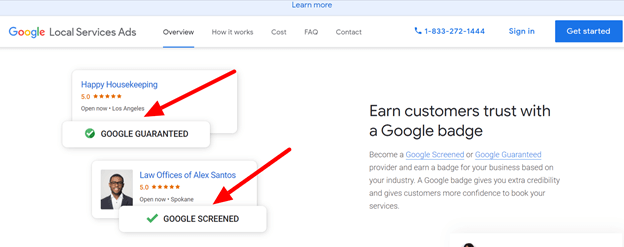
Understanding The Meaning of Being Google Guaranteed

What does it mean to be Google Guaranteed? In order for you to decide whether you want to become certified by Google, you must understand the meaning of it.

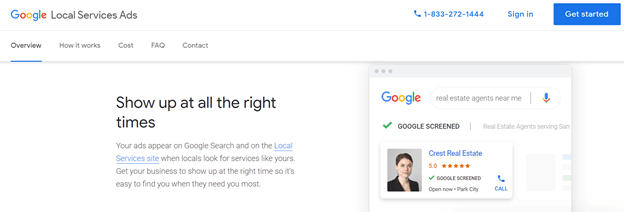
Google Guaranteed serves as an Ad service for local businesses that want to reach a higher audience for potential customers. It first started off as a provider for LSA (Local Service Ads) in California but then throughout the years it grew across the United States. It became very popular that it began reaching other countries such as Canada and the UK. This program was designed to help customers from falling into frauds and potential scams. It is also a higher security level for Google to provide a safer web search for its users.

This certification program also helps provide customers the confidence to potentially hire local businesses. If your business is certified by this program any customer that used LSA in the process of hiring your business can be reimbursed with up to $2000USD to a lifetime limit if they are unsatisfied with your work. How it works is once a customer submits its request Google will begin to investigate the claim and potentially request further information from your business and the customer.

Google wants nothing but to ensure customers are satisfied with the work provided by businesses that they have Google Guaranteed!

3. How Ranking Works Once Google Guaranteed

Once you have been certified by Google the next tip is to focus on your potential Ads ranking. Now that you are certified by Google you now need to turn your attention to landing a possible high rank for the Local Service Ads (LSA).

By following these tips you more than likely may land a top ranking stop for the Local Service Ads:

  • Be responsive: Phone, emails, etc.
  • Quality reviews: Do you have any positive reviews?
  • Business hours: Consider being open longer hours.
  • Complaints: Businesses with less complaints, rank higher!
  • Location: How close is the customer to your business?
  • Quality improvement: Have the best webpage for your business.

You should also get to know how Google ranking works and check your current ranking and improve where needed. With today’s searches mainly being on mobile make sure that your website is mobile friendly as well. Check also for your current ranking on your main “SEO keywords” that your business offers. You do not want to overuse or underuse your SEO keyword because that is one of the main things Google checks to consider your ranking.

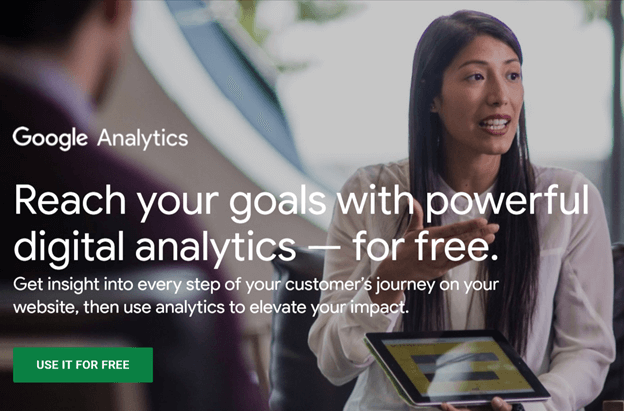
Learning how your potential customers find your website will only help you improve the key SEO words. If you are unsure of which key phrases you rank the highest for, you are able to check by going into Google Analytics.

How Ranking Works Once Google Guaranteed
Other areas in which may ensure a higher ranking would be to check your website’s speed as well as how much traffic comes in and out of your website. Be sure to check your ranking every week or so to check if you are either improving or dropping in rank. Even a few small changes can have a huge impact on your rank.

Being Google Guaranteed is already an advantage over other Ads but there is always room for improvement.

4. Is Google Guaranteed Worth Paying for

One of the most frequently asked questions is; Is being Google Guaranteed worth paying for?

To answer this question, it really depends on whether your business needs this extra boost of help and if your business is able to afford it. The best thing to do in this situation is weigh out the pros and cons of investing into being Google Guaranteed. Take into consideration the amount of competition you have in your local area. If competition is high you may want to look further into being certified by Google.

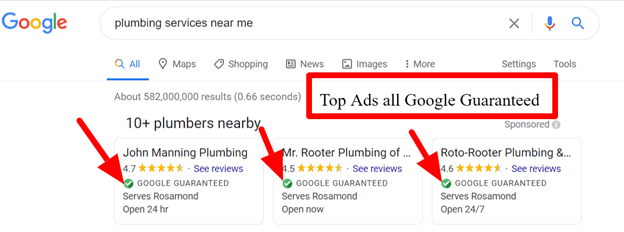
Some of the benefits Google Guaranteed offers as mentioned earlier above, they offer customers the safety, confidence, and reimbursement if unsatisfied with the work provided by businesses they certify. Being certified also offers business a way to reach the top of the search results and they are displayed over the usual pay-per click Ads.

Is Google Guaranteed Worth Paying for
Another benefit is with the reimbursement, customers are more likely willing to take a chance with your business knowing they could be reimbursed if they are not satisfied with the work provided.

Google Guaranteed members also must pay a monthly fee of anywhere from $25USD-$50USD which turns out to be an annual wage of $600USD at most. That’s why it is very important to take into consideration whether your business can afford investing into this. Also, members must keep up to date those standards they met when first applying for Google Guaranteed. This includes employee’s files, insurances, licenses, ect. They should also encourage customers to provide review and you as the business owner should monitor and address any issues that may be present.

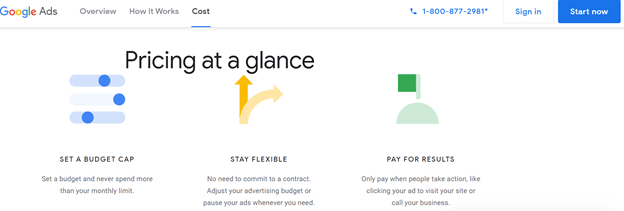
Another cool thing about Google Ads is they allow you to set your own budget. They also have no contract and allow you as a business owner to pause or cancel your advertisement at any giving time. Also with Google Ads you only pay when customers take action on your ad. This can be an alternative for businesses that are unable to afford becoming Google Guaranteed. Although, Google Guaranteed businesses will still have an advantage and usually appear as the top ad results.

Is Google Guaranteed Worth Paying for
Are you as a business owner willing to invest into becoming Google Guaranteed?

5. Some Drawbacks to Consider About Google Guaranteed

Google Guaranteed program is a fairly new, which was first introduced late of the 2016 year and early 2017. Since then this program has been evolving and will continue to do so, from my opinion until something newer and more effective is created.

This program was created because many customers in San Francisco C.A. where getting scammed by local plumbers and locksmiths. Some limitations to this program are when making a claim for reimbursement it has to be done within 30 days of the service completion. Also, customers are only entitled to this reimbursement only if they hired the business through the local service ads (LSA). One of the main complaints Google receives is customers are unsatisfied with the businesses price, which is not a valid reason to be reimbursed for the money spent. They also do not cover cancellations, damages, any extra additions, and most importantly customers are limited to a maximum lifetime limit of $2000USD.

Some Drawbacks to Consider About Google Guaranteed
Google has this program called Google Screened for professional services. Getting certified for this program can also be a long process to complete. It will not happen from one day to the next, so it is best to be patient and wait for Google to get back to you. Keep in mind the bigger your company is the longer it may take because Google has to look into not only your background check but also your employees. Google Guaranteed can also be a bit pricey for smaller companies so it is recommended to do further research to measure the results.

Another thing to remember is that for Google this is a form to receive revenue. That being said, it is not guaranteed that the prices will remain the same. As it grows more the prices can possibly increase. Google Guaranteed may also not be available in your area yet but it is a good idea to be prepared for it when it does.

Overall from my research and personal opinion I feel like Google Guaranteed is still worth it for local businesses trying to grow.

6. Is Google Guaranteed the Right Choice for Your Business

Consider everything you have read till this point and ask yourself this, Is Google Guaranteed the right choice for my business? Let me help you narrow down the answer for you. I have explained the pros and cons of becoming certified by Google now its just up to you to view what you have read and make a choice.

If you as a business owner care about expanding your business and potentially getting new customers then it should definitely be worth it. Keep in mind once you are certified customers will be more likely to hire you because they trust Google’s word that you are a business that is trustworthy. Not only that, but customers who are searching for a locksmith plumber, HVAC, ect. they are usually in need of a quick fix. Being Google Guaranteed will give that customer peace of mind when your ad pops up and it has a green check mark next to it. Once certified your ad is guaranteed to appear first in the search results over potential shady businesses that pay for the Local Service Ads.

Know Your Audience
As for your customers, this provides them with a safer so to say and reliable service they will most likely be satisfied with. As a customer no one wants to pay for a service they are not satisfied with. Satisfied customers are also more likely to recommend you if they are pleased with the service you provided and that only means more business for your company.

Once you are Google Guaranteed this may allow you to stop focusing the time into bidding strategies or other ways to get your ad to the top of the search results. You could then focus your time into ways to help your business expand and run it effectively. This will also help you with your competition and likely gain a major advantage over them. However, being certified does not guarantee your ad will always show at the top of the search results. You still have to put in some work, like encourage your customers to write positive reviews, have the right amount of usage of your main SEO word, and maintain the standards that led you to be a top ad in the search results.

From my opinion, becoming certified by Google is definitely the right choice for your business if you are looking to expand and grow exponentially.

7. Conclusion on Google Guaranteed

You are probably overwhelmed by all the information you have read till this point. Just as I mentioned at the beginning it will all be worth it at the end.
This has been a lot of information to take in, from checking eligibility to knowing if it is the right choice for your business. In addition, all this information is required to become Google Guaranteed effectively and maintain a high ranking ad that will likely push your business in the right direction. As a business owner you are always looking for ways to expand your business. Well becoming certified is a long process but it will definitely be worth the waiting time as you will have a major advantage over your competition.

If at first you do not get approved to become certified by Google. That does not mean you should quit and let your efforts go to waste. You should reevaluate your company’s operations where it most likely failed to become approved. This could be your reviews from customers, SEO main keyword, websites speed, insurance, employees or your own background check, you get the idea. These changes will be necessary if you want to become certified. Improving your business should be your priority in a situation like this.

Conclusion on Google Guaranteed
Think of all the customers you could be losing to your competitors. That is business for your company that is escaping from your hands. Take advantage of all these tips I have provided you with and continue to grow. It will only benefit you and your business as well as the employees you have. If they passed the background check like you and your business did, it is only right to take care of your employees as they help take care of you and your business.

As a result of Google making changes, many businesses like yours have no choice but to follow and comply with the adjustments Google makes. You as a business owner should take advantage of Google Guaranteed and as soon as you are able to, it will only benefit you. Still keep in note that you need to weigh out your revenue in order to see if you are able to invest into being certified but nevertheless it is a great idea to do so. Google invested it’s time to create this certification for a reason, it is only right you take full advantage of it.

As my final tip for you dear reader, is even though Google Guaranteed is an excellent program to assure you more customers to your trustworthy and qualified service. Do not only use this program as your only way to focus on your marketing strategies. Google has the power to change or get rid of this program at any given second if they desire to do so. You want to be able to have other forms to attract business to your company and not rely heavily on this one program.

In the end, if taken advantage of these tips provided, Google Guaranteed can ensure more business that you have ever seen. Which will ultimately help your business grow exponentially.

If you found this blog helpful, I recommend you reading this one as well!
The New Google Analytics – Is It Better Than The Old One?

Source:
https://ads.google.com