
559-553-5000
  • Facebook
  • X
  • Instagram
  • RSS
  • Facebook
  • X
  • Instagram
  • RSS
  • Español
  • Make Payment
Web Design Los Angeles - San Diego - Bakersfield – Fresno - Sacramento - Chavez Web Design
  • Home
  • About
    • Our Team
  • Services
    • Website Design
      • E-commerce Web Design
      • WordPress Website Design Company
    • PPC Advertising
    • Social Media
    • E-Mail Marketing
    • Search Engine Optimization
    • Internet Marketing
    • Video Production
    • Credit Card Processing
    • Graphic Design
      • Restaurant Menu Designs
      • Infographic Examples
      • Social Media Infographics
      • Dental Infographics
      • Insurance Infographics
    • Logo Design
    • Printing
      • Business Cards
      • Flyers
      • Brochures
    • Reputation Management
  • Consulting
  • Tools
    • Revenue Calculator
  • Portfolio
  • Blog
    • FAQ
    • Workshops
    • Good Deals
  • REQUEST QUOTE
    • Contact Us
Select Page
9 Ways To Get More Twitter Followers Easily

9 Ways To Get More Twitter Followers Easily

by Luis Chavez | Feb 15, 2021 | Social Media

The 9 Ways To Get More Twitter Followers

9 Ways To Get More Twitter Followers Easily
There are lots of ways to earn more Twitter followers and all sorts of guides out there but if you are anything like me dear reader, time is a resource you are short on.

So, in this blog, I have put together helpful and informative steps to help you on your journey to help grow your Twitter followers in these 9 easy to follow steps. By the end of this blog, you will have a much better understanding of how Twitter works and operates, the importance of consistency, and of course, how to get more Twitter followers easily!

With these things in mind, you will be on your way to grow and expand the number of Twitter followers added to your account. So buckle in, and let us get started with step number one on the road to answering the question, “how to get more Twitter followers?”.

Table of content:

  1. Tweet Often
  2. Don’t Tweet Too Often
  3. Follower Interaction
  4. Retweeting The Tweets Of Others
  5. Reddit
  6. Twitter Profile
  7. Content Is Crucial
  8. Hashtags
  9. Twitter Analytics

1. Tweet Often

We must tweet often on our accounts, this applies to both personal and business accounts, you want to show people that you are an active account.

The odds of someone following an in-active account are very slim, so be proactive in tweeting out to your followers, people like to see Twitter accounts that are lively. Speaking of lively, staying positive and sharing informative information or entertainment is a great start.

You may be asking yourself by now or even the very moment you read step one on how to grow your Twitter follower count, “How often is too often? How many tweets should I do?”.

Tweet often
Great question! A google search shows that you should generally tweet between 3 to 7 times a day. Most tweets made on Twitter are very short, no more than 33 characters long, and can become lost rather easily in a follower’s Twitter timeline.

Tweet often so your potential new followers will see that this is an active account and not an idle one taking up space in the Twitter world. But reader, keep in mind that there is such a thing as tweeting too often and that brings us to step number two in growing more Twitter followers easily.

2. Don’t Tweet Too Often

Beware of what you read online readers, google search for “how much you should tweet” may show results saying to tweet upwards of 30 or maybe even 50 times a day! You have to ask yourself, do you like spam?

You probably answered that faster than a google search result, the answer would be a big no.

Don’t tweet too often
So that is how we have to look at tweeting too often, looking at it as spam or junk mail or ads we are exposed to daily. You have to be aware of flooding a follower’s Twitter feed, remember each time you make a tweet it will appear on their timeline.

If they also have notifications turned on, each time you make a tweet, that will be distracting and honestly quite annoying for that Twitter follower. So instead of gaining new Twitter followers, you may have just lost followers by tweeting too often.

By keeping the number of tweets you make on your Twitter account in check, it allows the chance to better interact with your followers. And that readers bring us to step number three in how to get more Twitter followers easily.

3. Follower Interaction

Follower Interaction
Interact with your followers, thank them for their support and as mentioned earlier in this blog, this applies to both personal and business accounts.

Thanking someone for any support they have shown you regularly is a healthy habit to get into and further distance yourself from appearing to be a spammy Twitter bot.

Respond to people who tweet at you as well, this is a huge step in building your Twitter follower count, responding to their tweets will more than likely create organic interactions in the future and lead to retweeting your content with their followers.

So now they are retweeting your content, congrats! Now it is time to retweet some of their tweets. Now again you may be asking yourself, “I thought the whole point was to increase my Twitter follower count, why would I retweet others?”.

The answer to this question is explained on our next stop.

Bonus Tip: Try to engage with new followers early on, regarding business accounts, 15% of new followers unfollow due to zero engagement.

4. Retweeting The Tweets Of Others

Leaving a like or comment on someone’s tweet is fine and all but the thing that most Twitter users value above all else would be the simple but all so important retweet. So, to pick up on that cliffhanger from the last point, yes you want to grow your Twitter follower count… by retweeting the tweets of others.

Do not be afraid to retweet other people in a similar field as you, retweet something positive about them, and in turn, they will more than likely tweet you out. This will help expose your Twitter account to their followers as well.

By retweeting others, it can be seen as a form of complimenting them. Could also be viewed as, “You scratch my back and I’ll scratch yours.” type of scenario. But please beware, do not and repeat do not state to other users that you will retweet them if they retweet you. You don’t want to be in this scenario because it can cause harm to your Twitter follower count and is also not an organic way of growing your followers.

Retweeting the Tweets of Others

If your tweets are being retweeted and you are retweeting other users, it creates a ladder that continues to lead upwards to your desired goal of more Twitter followers, but also think of other social media links to attach to your Twitter account.

Now you have heard of the big social media sites such as Facebook and Instagram for example but there is one that is picking up traction in the online space.

5. Reddit

As of late 2020, Reddit has over 430 million active monthly users, which is more than the population of the United States at 330 million. Reddit is one huge forum for many topics and a place to share information with other users on the site.

So how can Reddit help grow your Twitter follower count? Simple, post your Twitter content on to Reddit to further increase your foot traffic and to grow your presence on these websites. Now this same method can be applied to your other social media accounts as well of course.

But you do not want to sleep on Reddit due to its growing presence on the social media stage, think of all social media sites as tools, each tool has its uses and is meant to be used. You have a large arsenal, do not let them go to waste and take advantage of them.

Reddit
There is also an easier way for you to share your Twitter content and post it on to Reddit. IFTT.com allows you to tweet to your Reddit account, allowing for easy posting on two sites at once, neat!

Okay so at this point you are gaining traction and your Twitter followers are starting to grow now, take a second to pat yourself on the back, I’ll wait. Done? Ok now let us make sure your Twitter followers and future followers have a nice clean profile to look at and that your profile shows what you are all about.

6. Twitter Profile

Now a Twitter profile is very similar to most other social media profiles that would include a profile picture and a brief description of yourself or your company but there are ways to separate yourself from the rest.

Separating yourself will also mean, once again, proving you are not a bot. Sadly there are a ton of “bot profiles” and tweets made by them that are placed on a timer. In 2017 in an article published by CNET, up to 48 million Twitter accounts were bots or about 15 percent of Twitter accounts.

If a user decided to further investigate these types of profiles, they would be greeted by a default profile picture followed by a name with tons of numbers in it, such as John28987742.

Twitter Profile
You will want a high-resolution picture of yourself, something that is easy to identify you, no crazy background noise, keep it clean.

If it is a business account, you can use a photo of yourself or go with a high-res picture of your company logo.

Do not forget to pick an eye-catching Twitter banner as well, this is the one that takes up a fair amount of space at the top of your account, make sure your banner and profile picture complement each other, and also think of it as a header.

Proudly display who you are, things such as your title, what you do, what you can do for others, this is an important one. Let your Twitter followers and future followers know what YOU can offer them.
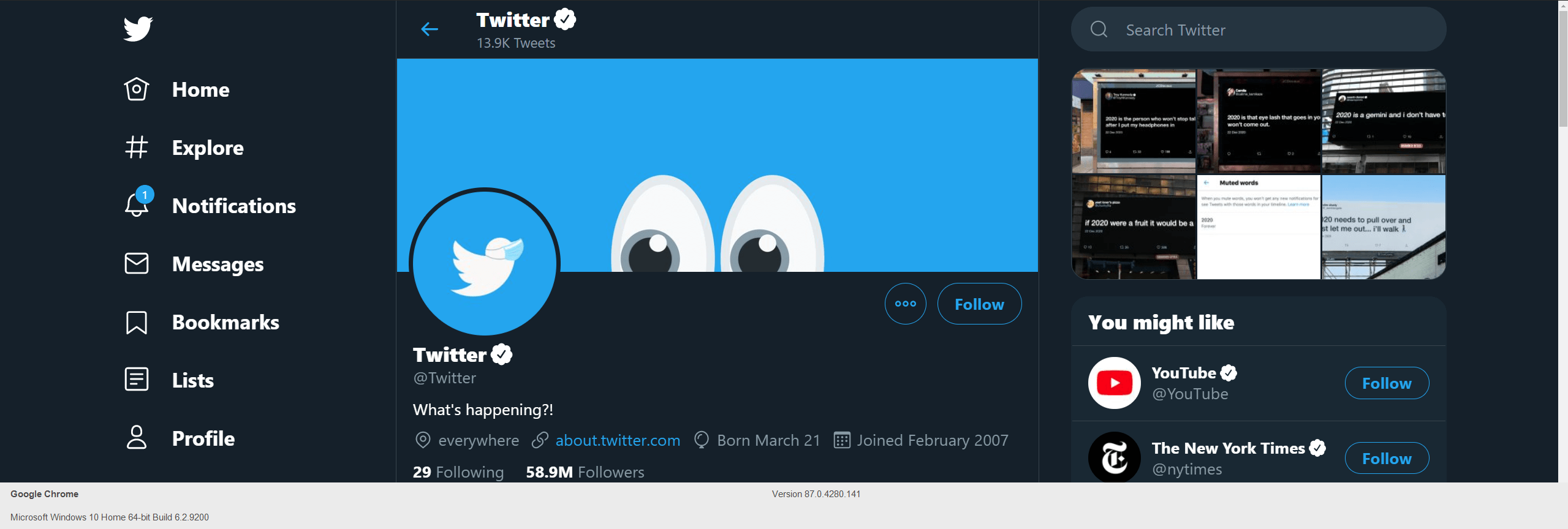
Be that in the form of providing entertainment value, for example maybe you are a comedian so put your best jokes on display that will be sure to give them a laugh. If you are an e-commerce type business let your followers know what you sell and provide brief descriptions of what you sell.

Bonus Tip: you can “Pin” a tweet that will appear just under your header. Pinned tweets will be the first tweet a user sees when they visit your profile, make it count!

7. Content Is Crucial 

Before you continue your journey on how to get more Twitter followers, you have to remember that you are one of the millions of Twitter accounts online. All the steps so far are crucial in growing your Twitter follower count.

But if you do not have the content, it is going to be an uphill battle. You have to ask yourself the question, “What can I offer my Twitter followers?” This can be providing entertainment, informing, inspiring, or even changing their minds, get them to see your way of thinking, and provide infographics to help your case.

Fortunately, there are easy and simple tweaks you can do to grab the attention of other users and get them to read your tweets and not cast them off.

Take, for example, you tweet out a message to your followers with just text, a large amount of text and odds are those users may scroll right past it.

Now if you accompany that tweet with a similar message plus a JPG or GIF to go with it, your chances have skyrocketed for someone to not only read your tweet but to like and retweet it as well as attracting a new follower.

 Content

Now, this does not mean you should apply a visual graphic with every tweet you make out but rather use visual aids to break up the sea of text that other Twitter users see daily. As it stands, the max character limit for a tweet is 280 characters, does this mean you should use all these characters available to you?

The answer is no, tweets are meant to be short, remember earlier in this blog that the average tweet is 33 characters long. Be sensitive to your followers’ time and not drown them in a sea of text. Luckily, you can insert a link into a tweet if you would like to share more information on your other social media sites or your main website. Variety is the spice of life so give them options to view your great content.

Bonus Tip: If you do include a link in your tweets, try inserting it in the middle of the tweet. A study done by Postcron.com showed that that users are more likely to retweet that message by 26%, compared to inserting a link in the beginning or end.

8. Hashtags
Hashtags are a great way to get your tweet out there and chances are you have used hashtags in your daily social media usage. But a quick example of a hashtag would be the # inserted in front of a word without spacing, we will use the word “Twitter” #Twitter.
 Content

Including hashtags in your tweets will see an increase in engagements by twice the amount according to research performed on linchpinseo.com. Hashtags can be looked at as keywords and you can even google hashtag words, so inserting trending hashtags into your tweets can increase its chances of being viewed on Twitter and Google!

When using hashtags in your tweets please use them sparingly, use no more than two hashtags in a single tweet, and every tweet you send out should not have a hashtag. This will make your Twitter account to be spammy and you know who is spammy? You guessed it, Twitter Bots.

A popular way to use a hashtag that is on a schedule would be #mondaymotivation, this can be used on Mondays and would appear on the trending section of Twitter, and major holidays have specific hashtags as well. So keep up with the trends.

Hashtags
If you want something truly unique to you, you can start on your own trend with hashtags or use keywords that define you or your business.

9. Twitter Analytics

At this point, your Twitter followers are growing in numbers, great! Now how do you keep track of all these new activities and see what your engagements are looking like with your followers? Twitter Analytics is going to be one of your favorite tools in the shed.

Twitter Analytics allows you to view your tweet activity, this more or less lets you see what tweets are being retweeted or engaged with and which ones are not doing so well, letting you take corrective actions.

Checking on your followers, lets you know what their interests might be and even the demographic of them, important to know who your fan/client base is.
Twitter Cards can be used to help get clicks to your main site, much like how a blog can link back to your website. It allows followers to view your content neatly and professionally and of course another way of attracting new Twitter followers.
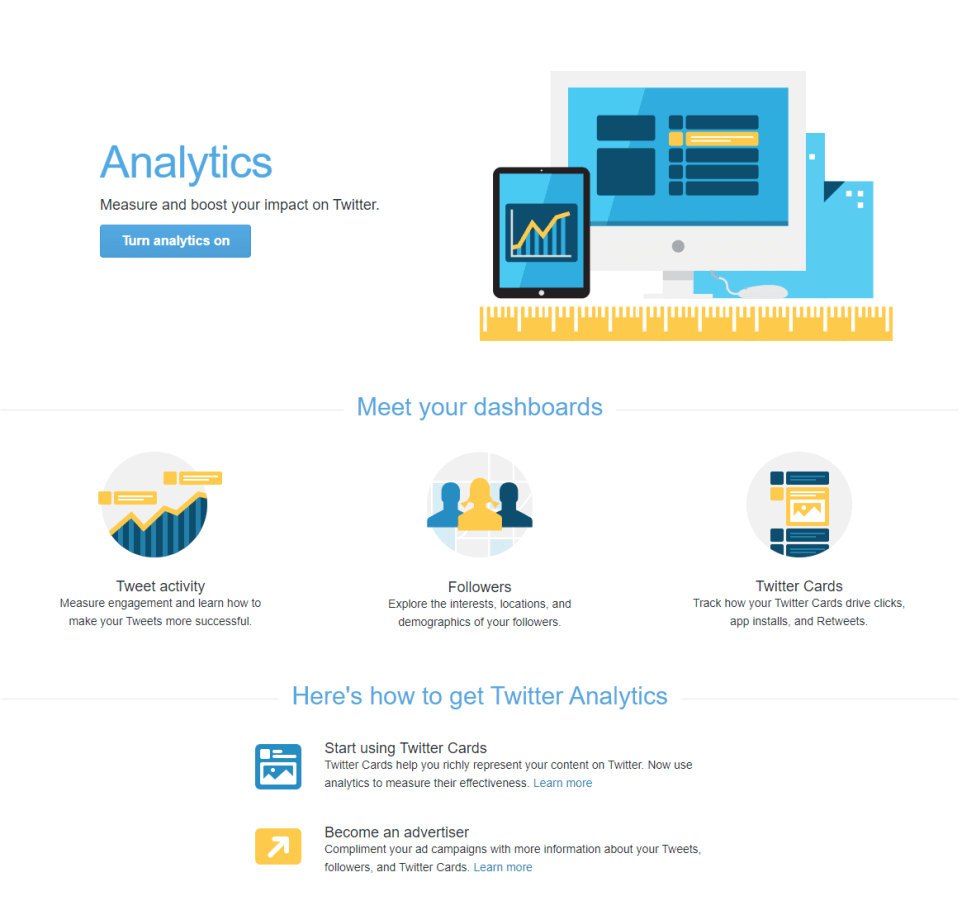
Twitter Analytics

Twitter Ads

Twitter ads can be another great tool to increase your follower count, but this option however will cost you some money. This option is favorable though for those who are short on followers or again trying to grow the number of followers, which is the name of the game. This will also increase engagement rates and you can use Twitter Analytics to view this.

Bonus Tip: when logging into other sites or forums more often than not they have a sign-in with a Twitter account or link account. If people like your content on those sites, there is a healthy chance they will follow you on Twitter!

With these 9 ways to get more Twitter followers, you are now in a position of power and armed with the knowledge to succeed in the growth of your Twitter count. All good things are worth doing and confident that you are more than up for the challenge. Twitter is constantly expanding, and you will make a positive addition to the Twitter community. Tweet on dear reader.

Reference:

https://www.youtube.com/watch?v=Phs2TKvdvGw
https://sproutsocial.com/insights/how-to-get-more-followers-on-twitter/
https://socialmediaclub.org/blog/from-the-clubhouse/top-15-reasons-one-follows-twitter
https://adespresso.com/blog/23-strategies-increase-twitter-engagement/
https://websitebuilder.org/blog/reddit-statistics/
https://www.oberlo.com/blog/reddit-statistics
https://www.cnet.com/news/new-study-says-almost-15-percent-of-twitter-accounts-are-bots/
https://linchpinseo.com/infographic-twitter-tweet-cheat-sheet/
https://postcron.com/en/blog/8-surprising-twitter-statistics-get-more-engagement/

Our Latest Post: 

15 Simple Ways to Boost Your Website Traffic
Best Social Media Calendar [Infographic] With Real Examples

Best Social Media Calendar [Infographic] With Real Examples

by Luis Chavez | Aug 12, 2020 | Social Media

Best Social Media Calendar

Social Media Calendar

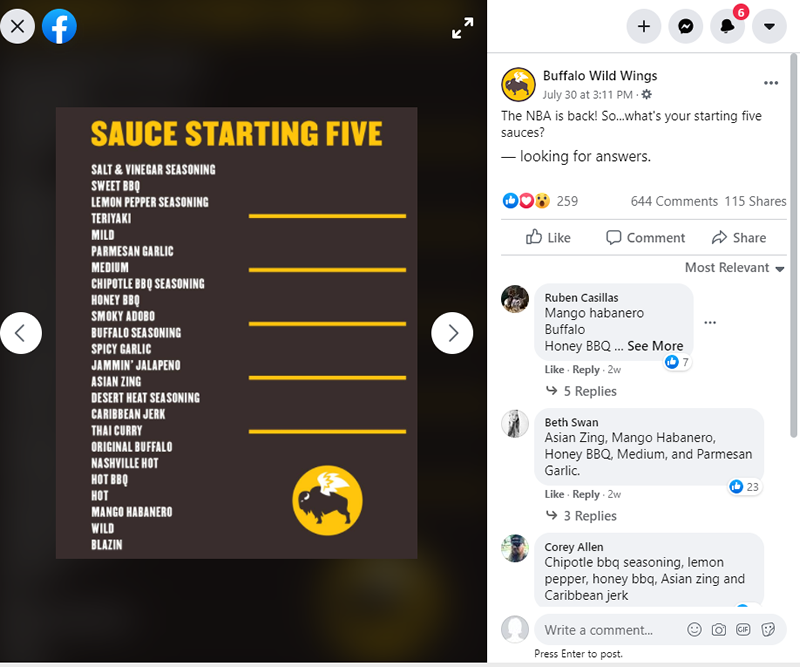
When it comes to increasing your fan base on social media, it is important to give your fans a variety and engaging content. You may already be overwhelmed with deadlines, customer calls, and employees getting your attention. We created the infographic above to help you easily create social media posts on your Social Media Calendar that offer variety and will increase engagement. Some examples of popular social media sites are Facebook, Twitter, and Instagram.

1. Ask Your Audience a Question On Your Social Media Calendar

Why should you ask your audience a question? Social media posts will get more reach when people like, comment, or share your content. People are more likely to engage with a question and will contribute to the conversation.

2. Discount or Promotion

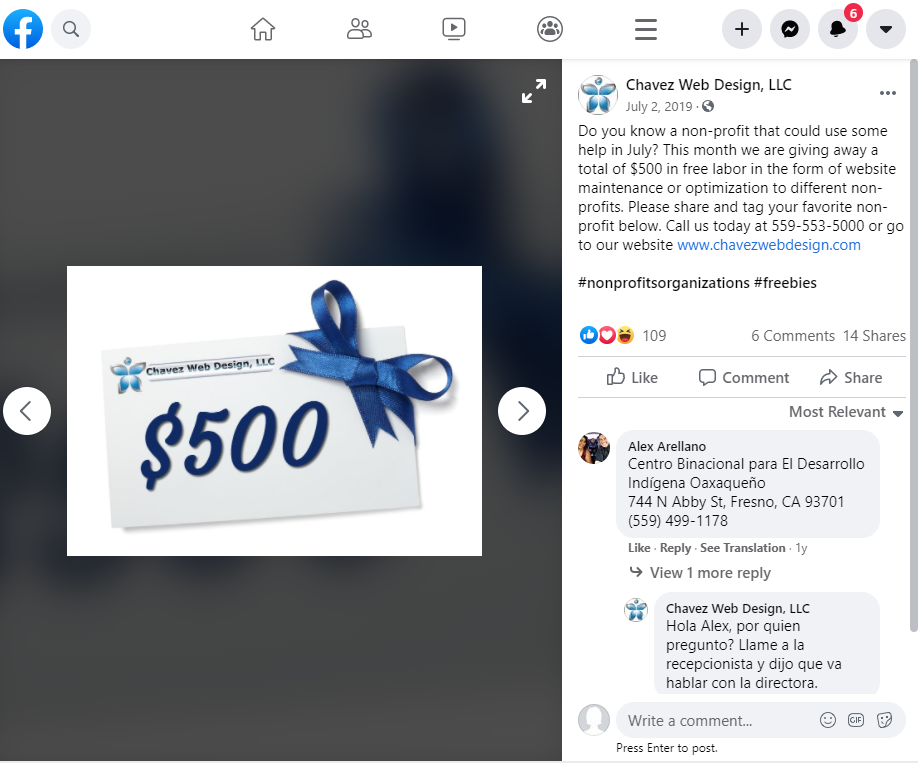
People are more likely to share a post if you offer a discount or promotion. Moreover, people are more likely to buy something just because it is on special, even though they don’t need it. Once they get on your website, then you can up-sell and cross-sell your other services. And, if you provide superior service to your customers, they are more likely to tell their friends about your business.

Social Media Calendar Promotion/Giveaway Example

3. Inspirational Quote

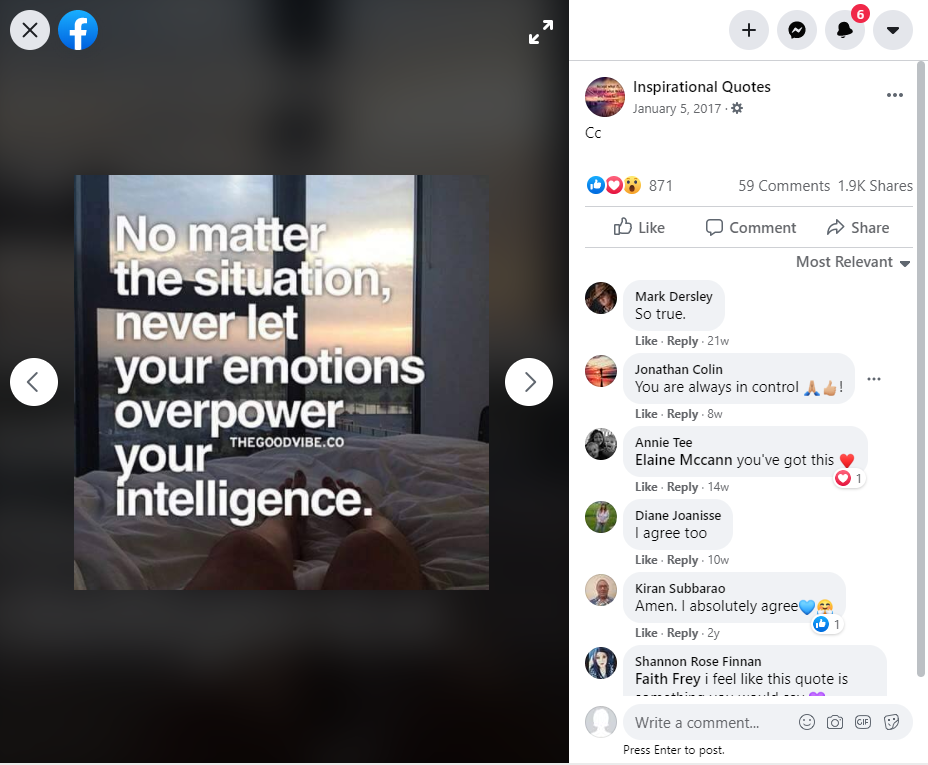
Inspirational quotes are popular on social media. The best part is, that this is the type of post that can be easily scheduled way in advance. By using free posting software like later.com, you can schedule inspiration quotes for many months in advance. They also might like the quote and share your page with others.

Inspirational; Quote On Your Social Media Calendar

4. Share a Tip or Trick

Sharing a quick tip or trick with a link to the full story is more likely to get more engagement. People are generally in a hurry and will not have time to read your full article unless they want to know more. When you share a part of a post, rather than the full article, it will intrigue others and draw them to your page. It will increase more traffic, letting others know more about you and your products or services.

Share Some Tips Or Tricks On Your Social Media Calendar

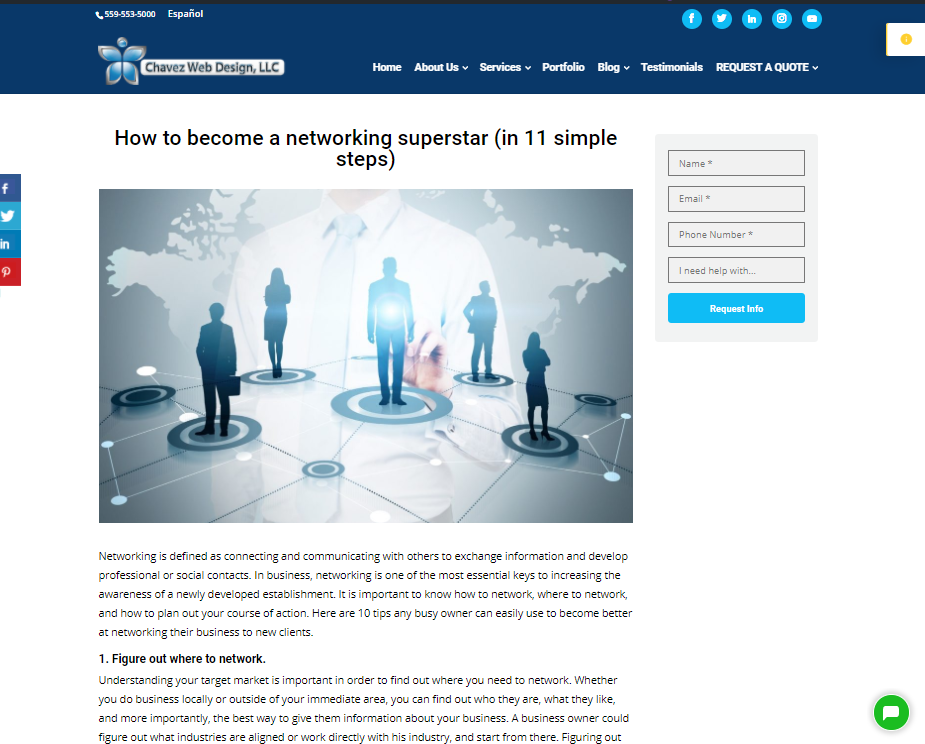
5. Post Your Latest Blog Article

Having a blog article will allow others to respond to your thoughts and products. They can also give you their opinion, which might help you market your products or services better. Having a blog can drive traffic from your social media to your blog. Just make sure you are writing about your business or products to get the right audience.

Blog Example

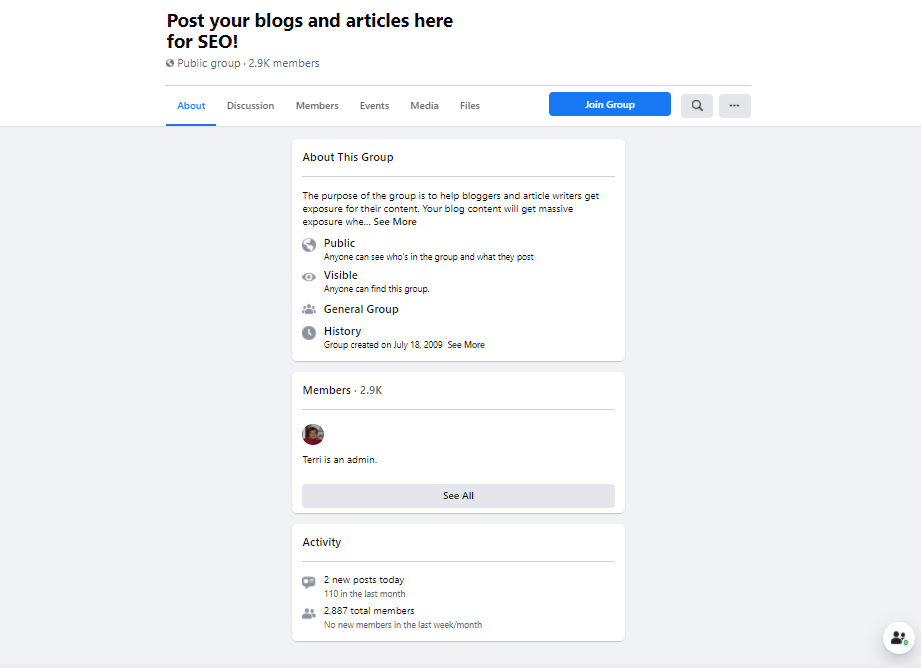
Joining a Blog club can give your business more exposure, as well. When you connect with a group, you can read, share, and post your blogs and this will get the word out about your product or service.

Post your Latest Blog Example
6. Highlight a Biz-Friends Page

Working together with other businesses is a great way to increase your online reach. Through the power of reciprocity, other businesses are more likely to share your content if you have helped them out. .When working with another business, if they were to promote your business on their social media platforms, you have a good chance of gaining new customers that wouldn’t be able to reach if it were not for the other business you are working with.

Biz friendly On Your Social Media Calendar

7. Have a Fun Fact On Your Social Media Calendar

Adding a fun fact will get people to think about what you posted. People tend to keep coming back to find out what the next fun fact is by liking and re-posting the original post.

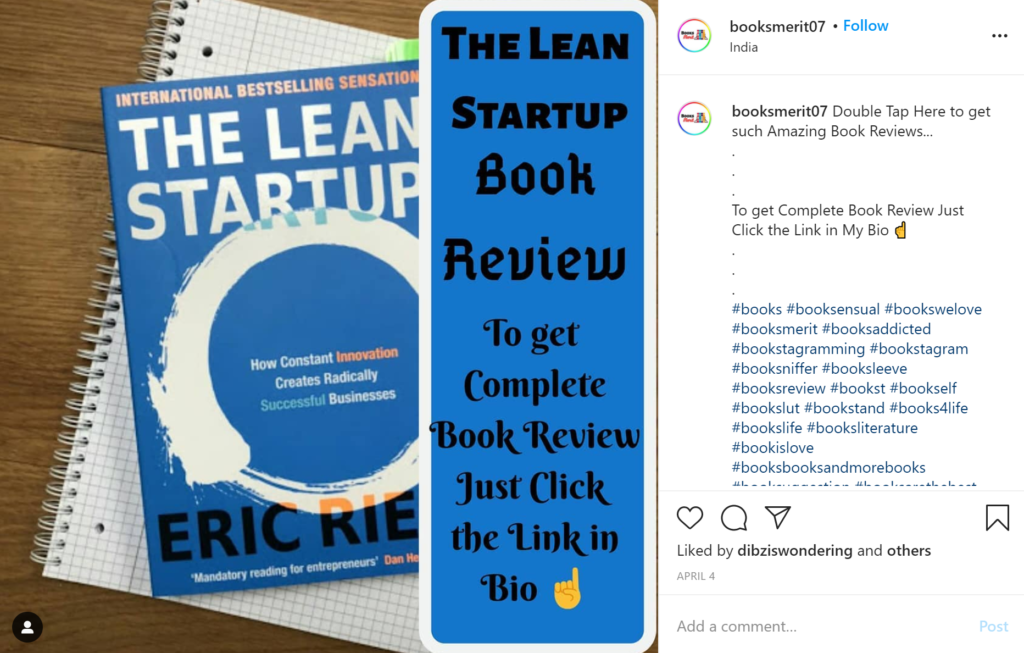
8. What you are Reading

When you share what you are reading, it gives your audience an insight into who you are on a more personal level. You can start up a conversation about the book in a post and attract others to the discussion and that can lead to more likes on your post and page. Additionally, by including #hashtags about the books you are reading, you are more likely to attract other visitors that also like the same books.

Social Media Calendar Lean start up Reading Example
9. Training

People are always looking for quality training. You can introduce new concepts, instruct them on how to train, and discuss related trends within your industry. You can show someone rather than tell them. Many times, your customers will realize they do not have the time to do it on their own and will likely hire you for the job instead. Hosting events is another way to improve yourself, your business, and the community.

Training Example
10. Industry Article

What is the latest and greatest thing that is happening in your industry? Writing an article about your industry lets people know you stay up to date with new information coming out within your industry. Moreover, it helps you become more established as an authority figure in your industry. It can also turn into more traffic and return visitors to your social media web pages.

Social Media Calendar Industry Article Example

11. A Day in the Life Post

People like doing business with people. The more relatable you can become to your audience, the more likely they will be to purchase from you. You are letting your audience take a sneak-peek behind the scenes of your daily life. Your audience will feel more connected to you. Also, if you are working on a new project or product, then this would be a great time to share your exciting news. Be careful not to act as if you are desperate for attention, just remember to always be yourself and have fun!

Social Media Calendar A Day in the life example

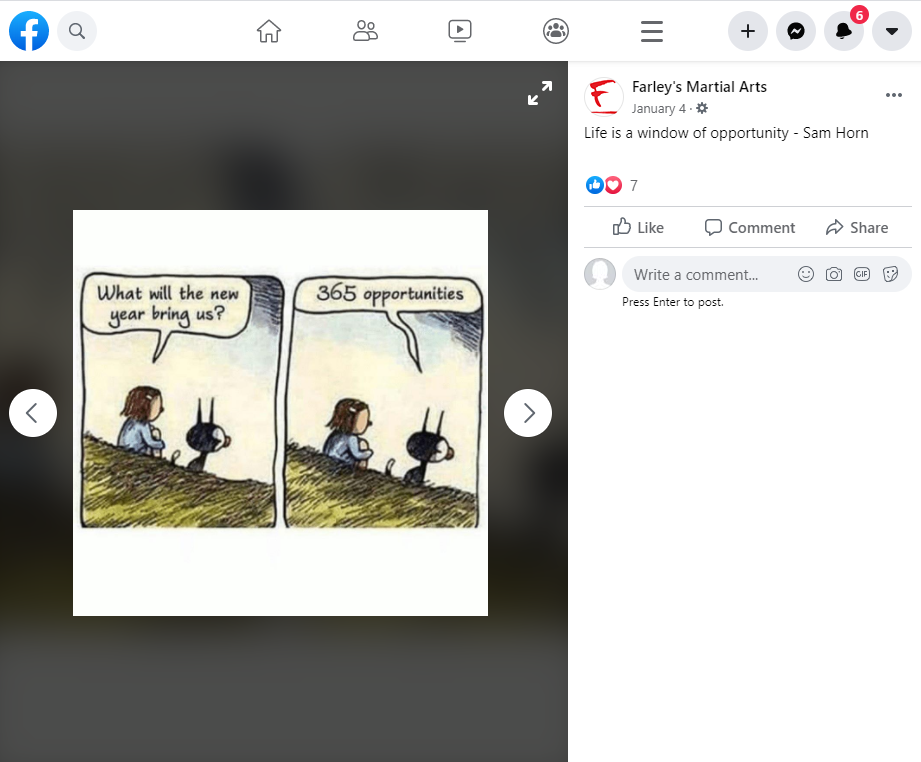
12. Comic or Meme

When you add a comic strip to your social media, you increase the chances of a higher click-through rate on your post. A comic strip can lighten the mood for the user scrolling through the feed of your Social Media Calendar.
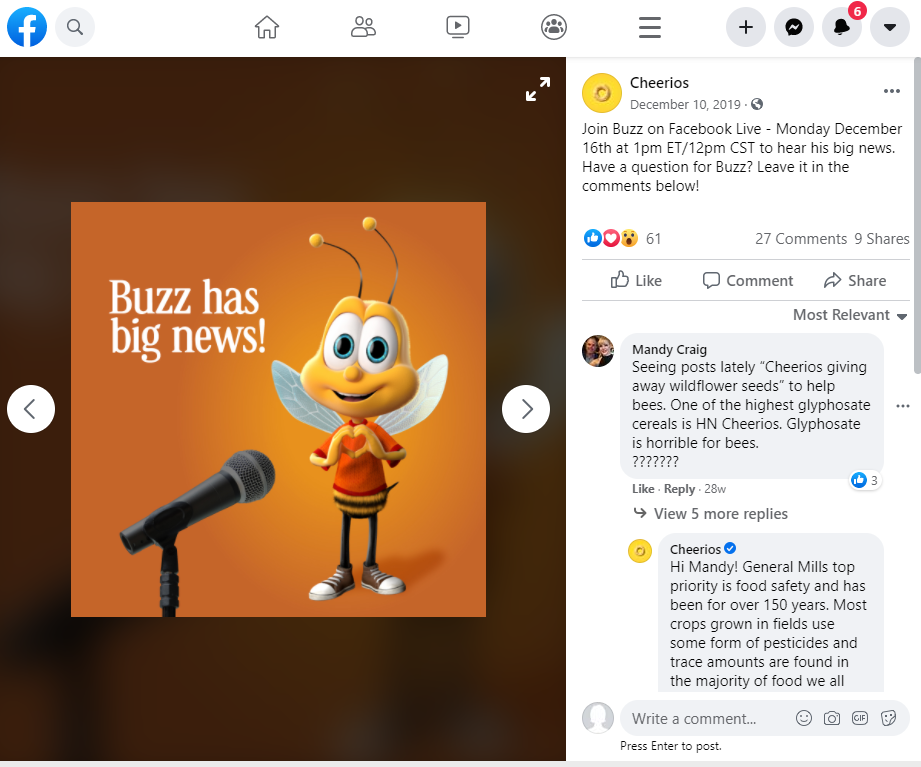
Social Media Calendar comic/meme example
The meme is an element of a culture, or system of behavior, passed from one individual to another; a humorous image, video, piece of text, and so on that can be spread rapidly by social media.
See this post:

Comic/Meme Example

Comic/Meme Example
13. Share an Eye-Catching photo

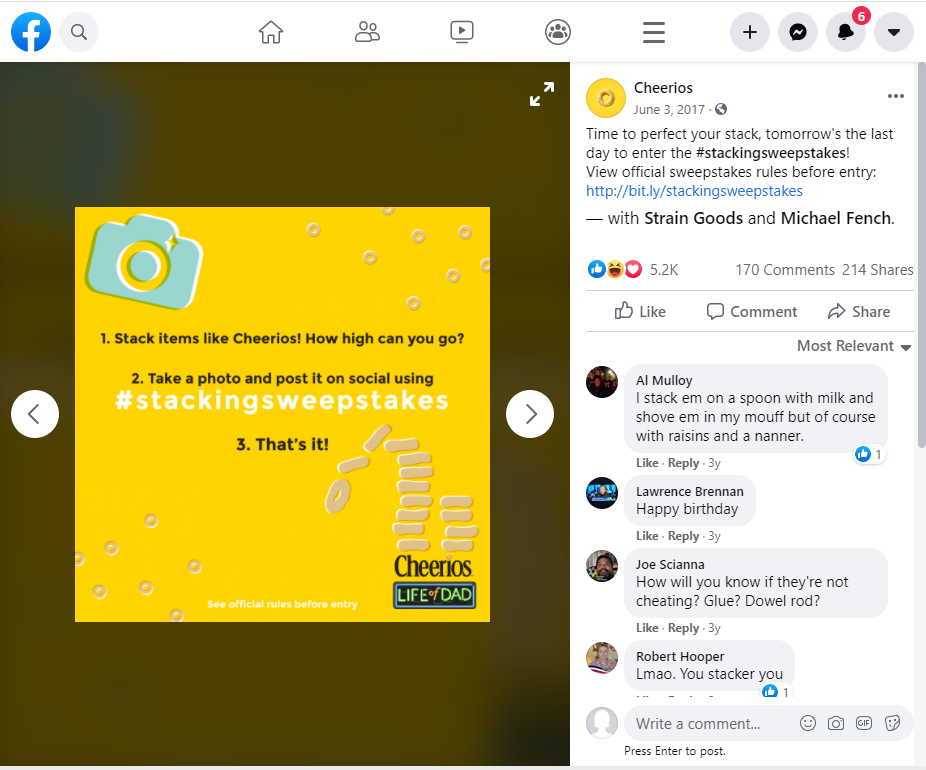
An eye-catching photo will gain more attention for your site than anything else. People can relate to images. They can inspire, show details about your product or service, and can inform them about who you are. A photo can tell a story and give depth to what you can do for your customer.

Eye Catching Photo Example

14. Highlight a New Product or Service

Social media is a great way to highlight a new product or service. You can reach more people, get reviews, share your photos and stories, and eventually have more people buy your product or service. You can let your audience know what to expect and to have them give feedback on your product or service. A sneak peek into something new.

Highlight a New Product or service example

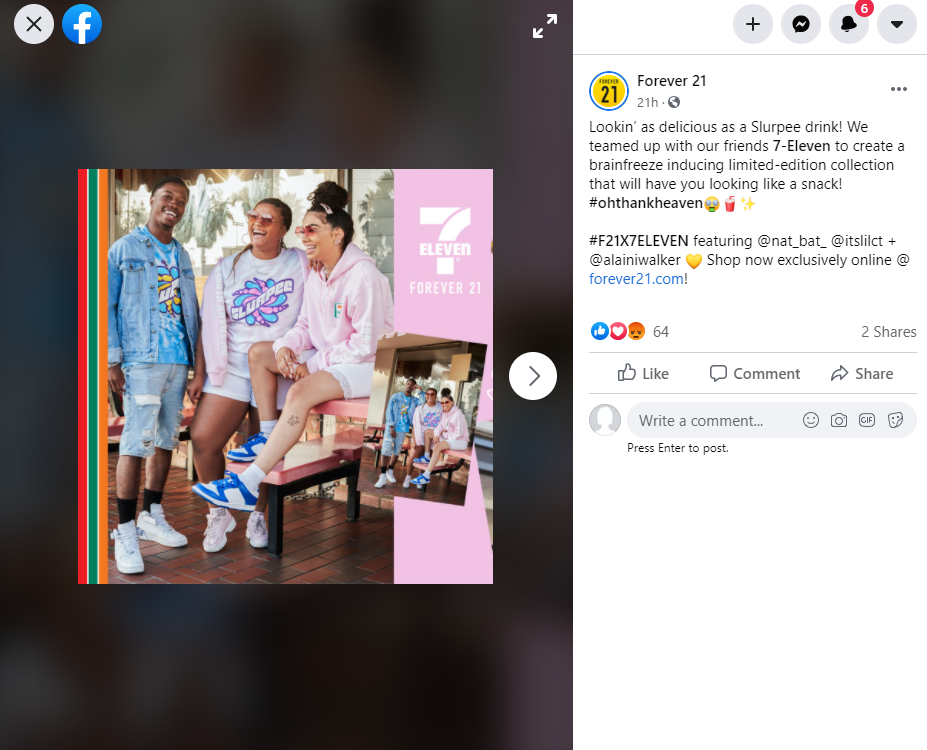
15. Holiday Photo Post

A holiday photo is a good way to show what seasonal items everyone is talking about and has to have. Also, showing events that your company is having, shows your culture and sensitivity to your employees that work for your company and is a great way to spread awareness. Furthermore, this type of post can easily be scheduled in advance to show on future holidays on your Social Media Calendar.

Social Media Calendar Holiday Photo

Holiday Photo Example

16. Share an Interesting Statistic

There are people like us that love numbers. If you can put that data on a timeline, then it will likely get more shares. This allows your post to get more exposure because it’s more interactive for the viewer.

17. This or that Question

Asking random questions might seem like a weird thing to do, but this can get the reader to think about the subject, and possibly ask someone on their friend’s list about it. Share the question, which will link back to your social media page, and it will likely have more likes and responses. Having a this-or-that question is a fun way to support your product or services or community.

18. Infographic

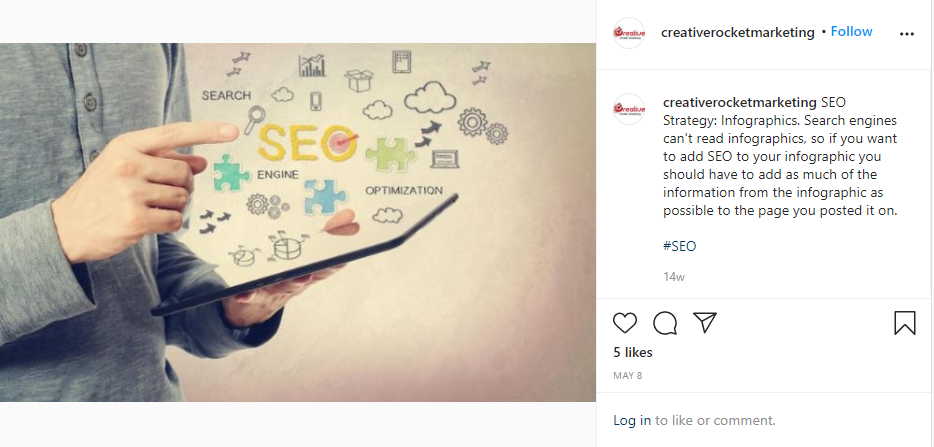
Infographics are a great way to show a collection of imagery, charts, and text that is easy to read. The purpose of an infographic is to tell a story and make it relevant to your business. You need to make sure that you use accurate data, the right color scheme, the appropriate fonts, and keep it simple.

Infographic Example

Infographic Example

19. Long post or story

Sharing a long post or a story on your social media calendar can be a great way to show others what you are thinking. But, you need to keep the topic interesting, or the reader will not read the whole thing and will go on to another post. If you find a way to lure the reader in and keep it interesting, they will most likely read the entire article and even might share the story. It can also be a video. You just need to keep things interesting to keep the viewer engaged.

Long Post Example

20. Recommend a helpful tool or tip

When you interact with your audience by having a conversation about your brand, product, or service, your audience will be more engaged. This investment will make them more likely to shop at your place of business or web page.

21. Share a Free Resource

When it comes to free items, whether it is a CD or food, most people want to join in to get whatever it may be. You can promote your products or services by offering free items. Make it a contest by saying “like my page” and pick a person at random.

Free Resource

22. A Weekly Roundup of Interesting Articles

Update your feed with things you and your company are interested in. Something to do with health, new technologies, or something related to your product or service would be a good place to start. It can also be an interesting video of what is going on with your company.

Weekly Roundup


23. Contest or Giveaway

Contests or giveaways can be a good way to start a conversation about the product or service that you offer. Doing this can start up more buzz around your brand. Try to be creative and come up with something that others have not thought about doing in the same way, and people will be talking about you and your site.

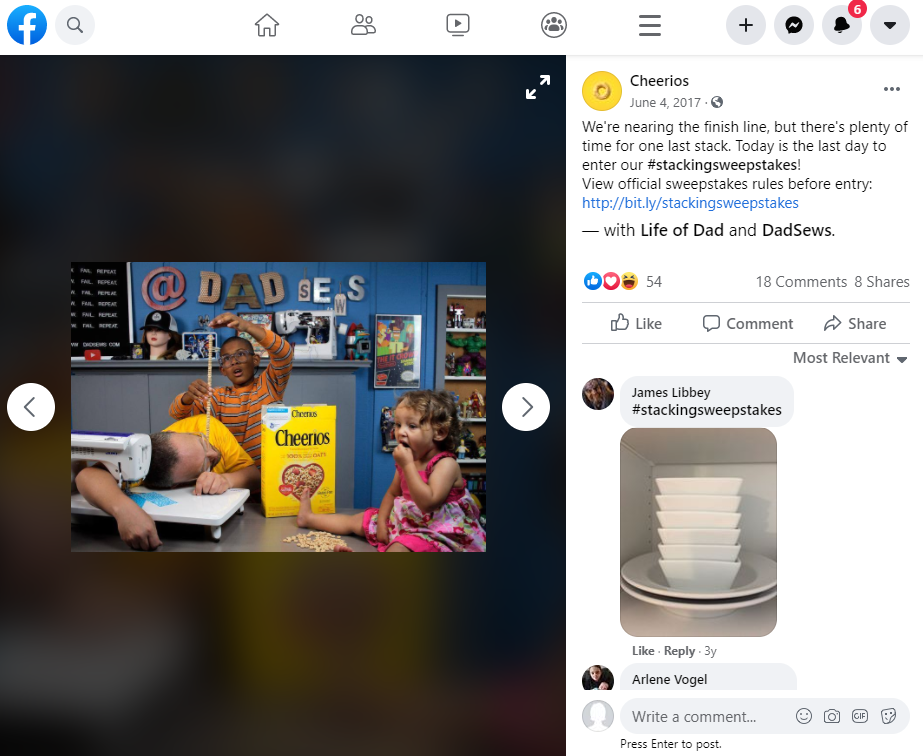
Contest or Giveaway Example

Contest or Giveaway Example

24. Share a Fan Photo

Sharing a fan’s photo or testimonial will give your site more credibility. Also, if you can add some rewards in the area you live in or to others on your social media, such as gong to graduations, ball games, or any other large event, you can expand your follower base to keep them coming back time after time to see your newest posts.

Fan Photo Example

25. Breaking News

Posting a breaking news story is becoming the main source of the news online and on social media today. When you post a breaking news story, more people will see the post, and that can be helpful for your site. Just be careful about what you post. You do not want to get bad feedback on your social media site. Try to keep the site positive.

Breaking News Example

26. In Case you Missed it

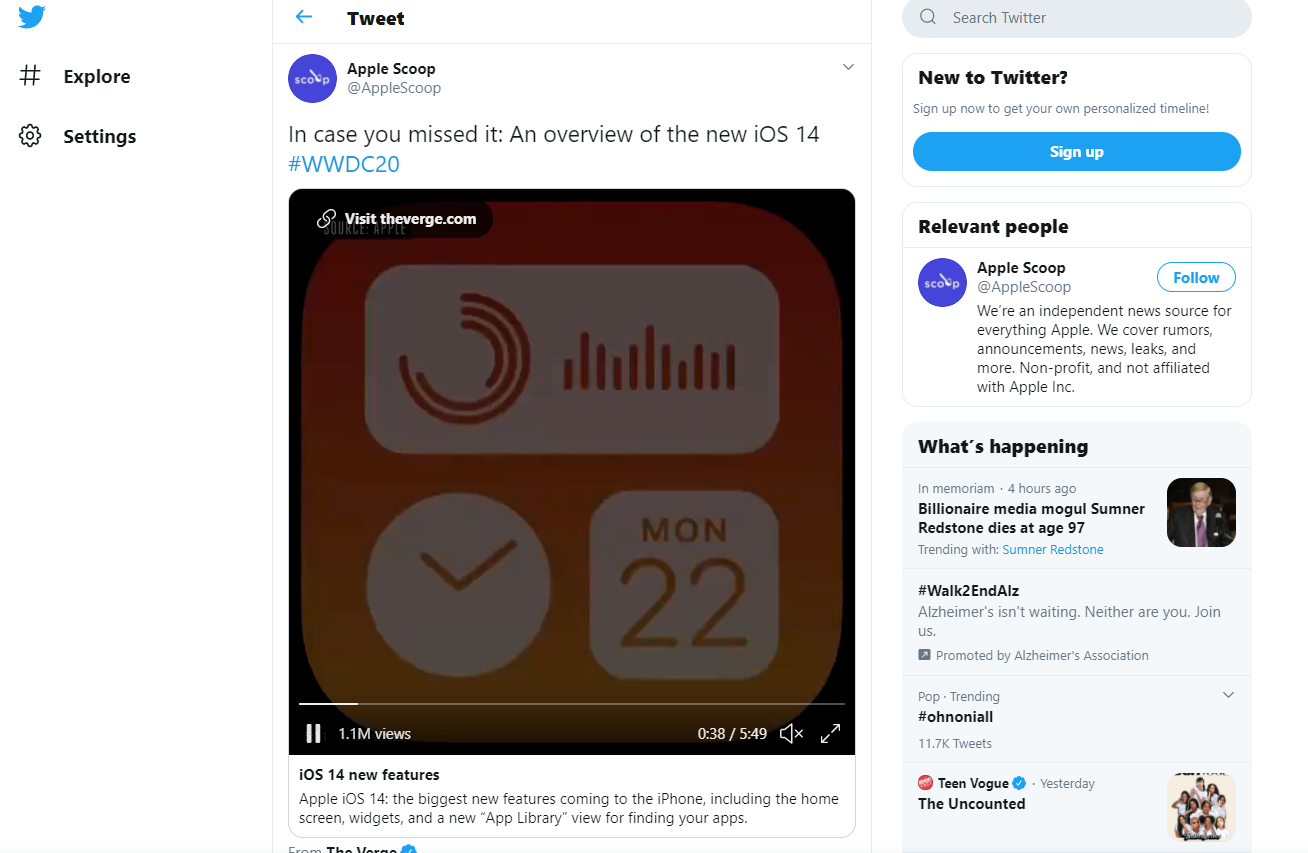
No one wants to miss out on a good post, and sometimes you need to re-post your social media post for those who did not see it the first time. If you are going to point someone in the right direction of something interesting or enlightening more than once, you can let them know by telling them, “in case you missed it.”

In case you missed it example

27. Behind the Scenes Photo

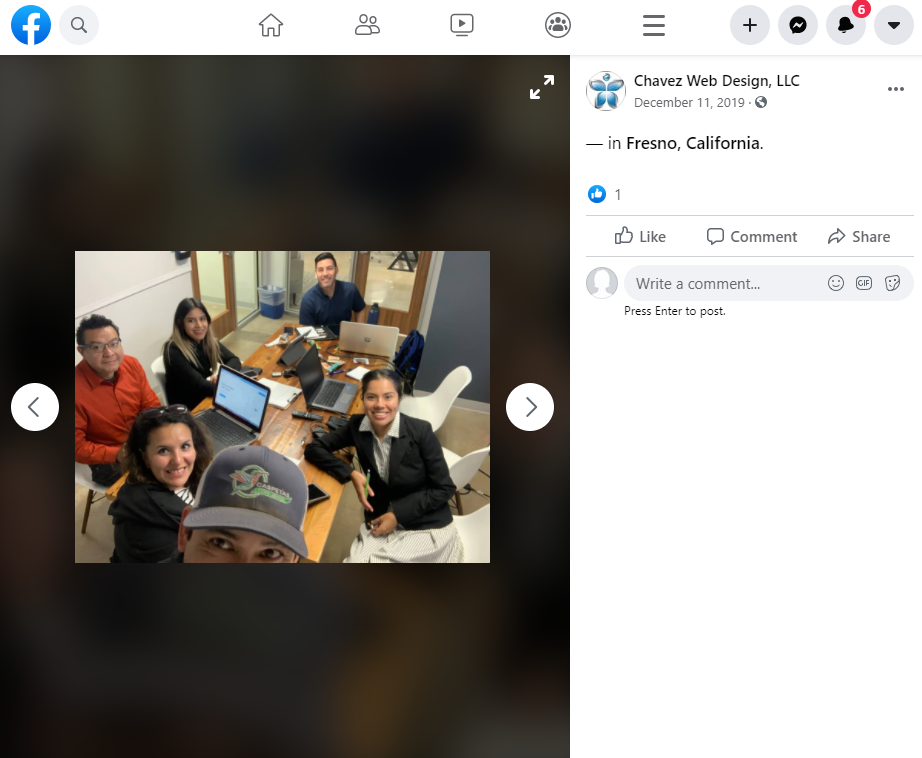
Images of employees and business owners can enhance your business because most people like to see the face of who is running the company. And, this does not have to be all business-related. Showing pictures of everyday life can help customers bond with you.
You can even show photos of assembling products or preparing for lunch with your employees. Spotlighting your employees will show credibility, and your audience will feel like they are part of the team.

Behind the Scenes Example

28. Product Pictures

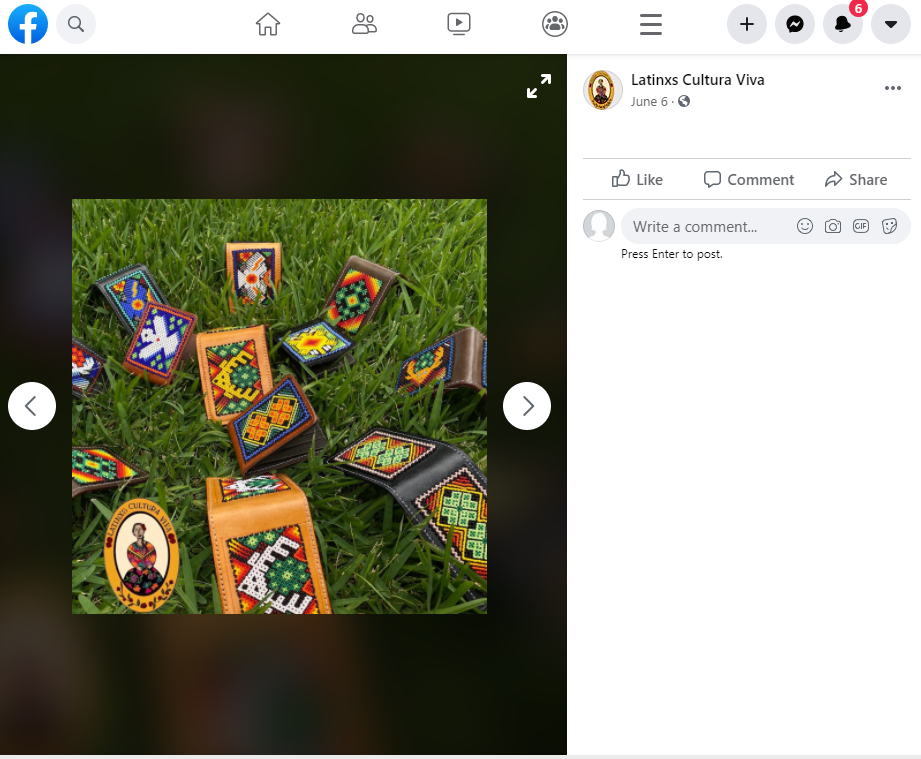
Taking beautiful and interesting product pictures can promote your product or service on social media. You are getting yourself out there, and that is what it is all about.

Product Pictures Example

29. Thank Your Fans

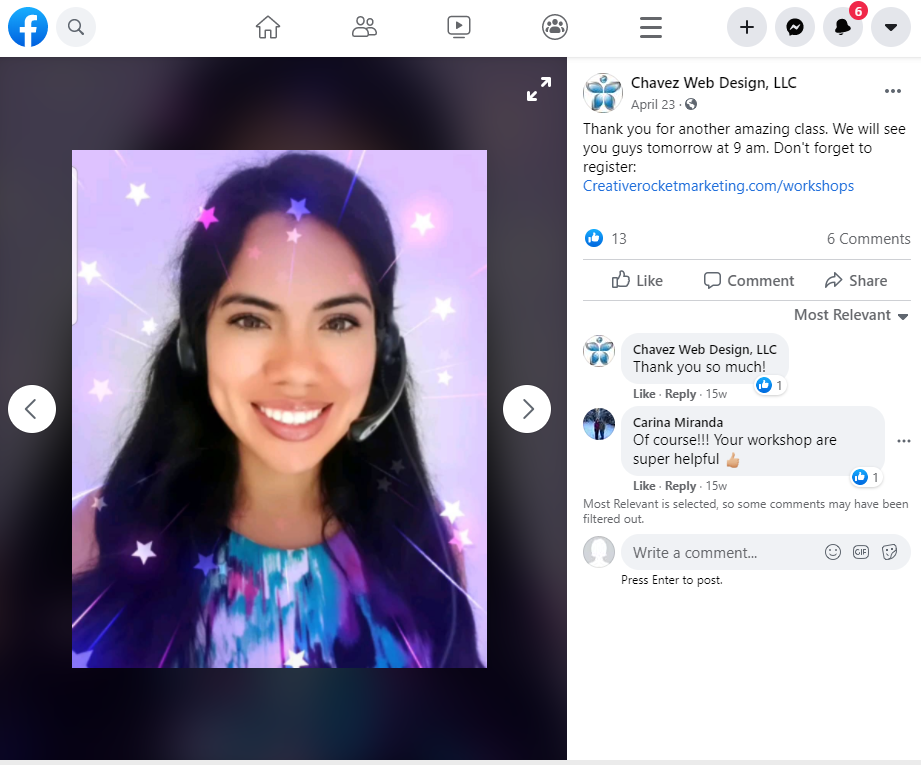
When you use the words “thank you,” it is not just polite to say, it can also build stronger relationships with your current and potential customers. Saying “Thank You” can build trust and loyalty in your social media. Having your photo or just a nice picture to show will give out the right tone.

Social Media Calendar Google High Impact Partner Thank Your Fans Example

Thank Your Fans Example
30. Create a Poll

When you create a poll, you get a lot of feedback and different opinions of a population by asking a series of questions on what people like and do not like about a certain topic. This can help you find out who your audience is.

Create a Poll Example

31. Funny Joke or Picture

Who doesn’t want to laugh and have a good time? When you post a funny image or a good joke, you can get others engaged and make them feel at home. Just stay away from things that can backfire. Posting about others, politics, religion, or what is going on in the world today can lead to more trouble and is not worth it. You want to keep your best side showing at all times to grow your business.

Comedic Photo Example

Comedic Photo Example

So, what is next for you?
Social media is the way of the future; it is growing at a faster rate than the market industry can keep up with. With all the updates, social trends, and new cutting-edge features, it can be overwhelming. Social media is essential and critical for any business of today. We can track what people are buying, selling, and talking about to give the customer what they are looking for and need. Posting something on your social media site every day can and will increase your traffic, which will lead to more people looking at your product or service. Do you need help with your social media advertising? Call us today at 559-553-5000 to get a customized strategy for your business.

If you enjoyed reading this blog article, the make sure to 6 Great Things You Can Do When You Automate Your Social Networks (+links)
Other References

https://adespresso.com/blog/facebook-offers-ads/#:~:text=Discounts%20or%20promo%20codes%20in,on%20who%20you’re%20targeting.
https://coschedule.com/blog/social-media-post-ideas/
https://buffer.com/resources/psychology-of-facebook/
https://blog.snappa.com/social-media-marketing-images/
https://www.envisionup.com/blog/5-key-elements-of-a-successful-infographic/
https://sproutsocial.com/insights/social-media-tips/
https://www.forbes.com/sites/nicolemartin1/2018/11/30/how-social-media-has-changed-
https://www.businessnewsdaily.com/10522-future-of-social-media-marketing.html

How To Go Viral On LinkedIn In 20 Easy To Understand Steps

How To Go Viral On LinkedIn In 20 Easy To Understand Steps

by Luis Chavez | Jan 29, 2019 | Social Media

How to Go Viral on LinkedIn

Whether you have a brand, a startup, a small, medium, or large business or any kind of company, it is most likely that you have a LinkedIn profile. LinkedIn is one of the biggest online work community there is, which is why it is so important to get noticed on this platform.

Created in 2002, LinkedIn is a business, enterprises, and employment-oriented social media network. Millions of people, brands, companies, and other businesses share their experience and skills online to get in touch with others.

For this and more, LinkedIn is so much more than just a simple online CV, and if you have not yet seen the importance that LinkedIn can have for your brand, keep reading and learn with us on how you can create a profile that becomes viral and have everyone aware of who you are in this platform.

But first!

Never forget that LinkedIn is more than your regular resume. Your profile must be treated as a professional site for your brand, what you are selling. LinkedIn will work much better with a business that sells to other companies, rather than a brand that sells to the consumers.

But no matter what kind of business you run, create a very professional version of your LinkedIn profile as if it was an add about your brand. This is the first step into making your profile viral.

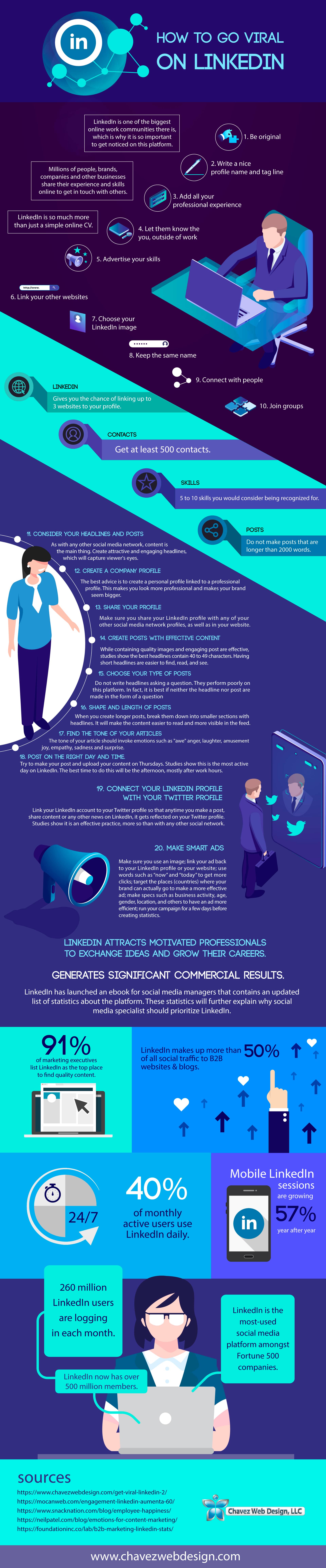
How to Go Viral on LinkedIn 20 steps infograpgh

Embed This Image On Your Site (copy code below):

20 Tips to get a LinkedIn viral profile

1. Be original

In LinkedIn, most profiles are from professionals in the most varied field. From graphic design to content and digital marketing, any possible professional field will have some company representing it on LinkedIn. So you will have to know that there will be tons of brands and businesses like yours.

Make a stand out profile by being original, showcasing your talents, portfolio, and writing a creative presentation. Be professional but also make sure to stand out.

2. Write a nice profile name and tag line

Your photo and the information right next to it is the first — and only — thing that is visible in search results. This shows your name, a little tag line, and your location. Make sure you come up with an attractive and catchy tagline to put beside your photo, so it gets people’s attention.

Also, find a photo that shows you in a serious way without being too formal. A photograph smiling and with a natural background instead of an identification-like photo will work great in terms of getting noticed.

3. Add all your professional experience

In LinkedIn, it is important to showcase your experience, so do not hesitate to write down every single professional experience and job you have had. Every experience you can show will add when it is time to find the most experienced candidate. It does not matter if your professional experience overlaps one on the other, the only important thing is that the audience is aware of all the things you can do.

4. Let them know the outside of work you

Even LinkedIn is a professional social media network. So make sure to let your personality and uniqueness shine when you share your information.

Make sure to mention the things you like to do when you are not working, the things you are passionate about, books you read, and other particular things about you. It is about building an image of you that goes beyond your professional image.

5. Advertise your skills

Make sure you mention several times on your resume, as well as in your bio, and in any other information you give about yourself, such as job experience, 5 to 10 skills you consider are the skills you want to be recognized for.

Use these skills repeatedly on your profile, bio, and experience. This will help you build your image, amplify your message and make your profile easier to find when potential leads make a keyword search.

6. Link your other websites

LinkedIn gives you the chance of linking up to 3 websites to your profile. Use it to show your website, blog, or the social media networks where you have more followers.

When adding these websites to your profile, make sure to set them as “other”, so you can edit the name and description of your websites. Then, make sure to write an attractive text that calls people to click and visit your other profiles and know more about you. The key is to be creative and friendly.

Link your other websites to Go Viral On LinkedIn

7. Choosing your LinkedIn image

Taking in count that LinkedIn is a professional social media network; it is logical to guess that the photo you chose cannot be just any pic you had in a barbecue. Find a photo that looks professional without being too serious.

Make sure your LinkedIn photo is the same or at least similar to your other social media and website pages to keep the professional line in all your spaces.

Choose an appropriate and professional image to Go Viral On LinkedIn

8. Keep the same name

Do not assume that people will know when you change your name. Whether it is a letter or the whole thing, changing your name can make people lose you on their radar, so better chose a name and stick to it.

9. Contact with people

Once you have created your LinkedIn profile and let all your experience shine, do not leave it there. Start contacting people and searching for connections. Getting at least 500 contacts should be your goal, it will look much better on your profile having 500+ contacts than having just 10.

Do this by browsing on LinkedIn for contacts that are in the same field as you, people who work with companies related to your niche, or people who show in their interests something similar to your brand. Also, do not hesitate to add people who you may find interesting. Normally, people you follow will follow you back; like in most social media networks tend to happen.

Get them interested in you by sending an interested, well designed and very professional image of your brand: your products, a small brochure, something that gets their attention to you, as well as a personally written note. In business, personal relationships are always better than digital ones.

null

10. Join groups

In LinkedIn, there are groups where you can participate to exchange information, give and get tips, etc. Do not hesitate becoming part of groups and add yourself to groups with similar niches or related to the same industry.

LinkedIn gives you a widget called sharing. With it, you can message all the group members once a week. This gives you a great opportunity to send important information, special promotions and more to keep your followers interested in your brand.

You can also create your own group and target for people who have similar interests than yours and you could turn into potential clients.

null

11. Consider your headlines and posts

As in any other social media network, content is the main thing. Create attractive and engaging headlines, which will capture viewers’ eyes.

Then, make sure that your content is at least as interesting as the headline you created. Make good content, interesting and pertinent to your niche, whether it is interesting data about your field, or straight promotions or sales you want to advertise.

Do not be afraid to including images and links in your posts to make them more complete. The goal is to make people interested in your content, and also in your brand.

12. Create a company profile

As in any other social media network, the best advice is to create a personal profile linked to a professional profile. This makes you look more professional and make your brand seem bigger.

So, create a LinkedIn professional profile and link it to your personal profile to build more presence of your brand and to redirect people to your website.

This will also work to get connected with other companies and possibly create alliances to make your business grow.

Make sure that your name and photo are of the brand and not of yourself. For the description and bio, make sure to mention the services you provide, the amount of money you have raised or produced, and any other interesting data that talks about your company and its success.

null

13. Share your profile

Make sure you share your LinkedIn profile (as well as any other social media network) in any of your other social media network profiles, as well as in your website.

Using external websites, you can set up a share, follow, add, and other buttons in your posts and other content, so people can easily start to follow you or share your content on their profiles.

Make as simple and as easy as you can for people to follow and reach to you.

14. Create posts with effective content

It is not only to make engaging posts with a nice image. Studies say that the best headlines have from 40 to 49 characters. Short headlines are easier to find, see and read.

You can add videos, preferably one per post.

15. Choose your type of posts

Do not write headlines asking a question. They perform poorly on this platform. As a matter of fact, it is better if not the headline, nor the post, is made to make a question.

“How to” posts, on the other hand, perform very good on LinkedIn. Create posts on how to do, repair, fix or any other information, about something regarding your brand. It will make you look like an expert on the information you are giving.

16. Shape and length of posts

When you create longer posts, break them down into smaller sections with headlines. It will make the content easier to read and more visible in the feed.

Do not make posts that are longer than 2000 words, to keep readers interested in your content. But also, do not create posts that are too short, people on LinkedIn are more willing to read long post than on any other social media platform.

17. Find the tone of your articles

The tone on your articles should be as neutral as possible, and the language used should be easy to understand, to make it more digestible for most types of people. The more people understand your content, the more people will read it, like it and share it.

18. Post on the right day and time.

Try to make your post and upload your content on Thursdays. Studies show this is the most active day on LinkedIn. The best time to do this will be the afternoon, mostly after work hours.

19. Connect your LinkedIn profile with your Twitter profile

Link your LinkedIn account to your Twitter profile so anytime you make a post, share content or any other news on LinkedIn, it gets reflected on your Twitter profile. Studies show is an effective practice, more than with any other social network.

20. Make Smart Ads

If you decide to advertise your brand, startup, business or any other in LinkedIn, follow a few basic steps to create an efficient ad.

For example, make sure you use an image; link your ad back to your LinkedIn profile or your website; use words such as “now” and “today” to get more clicks; target the places (countries) where your brand can actually go to make a more effective ad; make specs such as business activity, age, gender, location, and others to have an ad more efficient; run your campaign for a few days before creating statistics; among others.

In LinkedIn, you can set your ad in the specific content you like, or create a demographic profile so your ad appears on certain pages and to certain people. Decide which one is best for your business and commit to it for a few months to prove how well it works for you.

LinkedIn is a professional network that most people see only as a CV profile space. But the truth is that LinkedIn is a huge platform that can help greatly to build a business. There are hundreds of cases where a small company has grown thanks to its strong presence on the LinkedIn community.

null

Do you need help with your social media marketing? Reach out to us at 559-553-5000 and let us get you a proposal on how to get more quality leads and sales.

www.chavezwebdesign.com
Written by Noemi Chavez

Next Entries »

Contact Us

Phone: 559-553-5000
Visalia and Bakersfield

Phone: 559-623-2007
Fresno, CA

Phone: 916-494-1252
Sacramento, CA

Phone: 619-806-4545
San Diego, CA

Phone: 323-970-9228
El Monte, CA

Phone: 323-683-8231
Los Angeles, CA

Submit A Request
Book Us For A Workshop
workshop

Our Services

Website Design
PPC Advertising
Social Media
Internet Marketing
Video Production
Graphic Design
Credit Card Processing
Search Engine Optimization
E-Mail Marketing
Workshops
Logo Design
Printing

Video Web Portfolio

Video Portfolio

2025 Growth With Google High Impact Partner
2021 Growth With Google High Impact Partner

2021 Growth With Google High Impact Partner

(c) 2025 Chavez Web Design, LLC – Los Angeles – Bakersfield – Fresno – Clovis – Visalia – Porterville – Tulare – Selma – Delano – San Diego – Dinuba – Oxnard – Stockton – Modesto – Sacramento – San Luis Obispo – Web Design Salinas – Web Development Santa Maria – Privacy Policy – T&C – Sitemap – All Rights Reserved.
Show Buttons
Hide Buttons
Skip to content
Open toolbar Accessibility Tools

Accessibility Tools

  • Increase TextIncrease Text
  • Decrease TextDecrease Text
  • GrayscaleGrayscale
  • High ContrastHigh Contrast
  • Negative ContrastNegative Contrast
  • Light BackgroundLight Background
  • Links UnderlineLinks Underline
  • Readable FontReadable Font
  • Reset Reset